How to prompt Nano Banana Pro
Nano Banana Pro is the most flexible and capable image model available. But when it can do so much, where do you start?
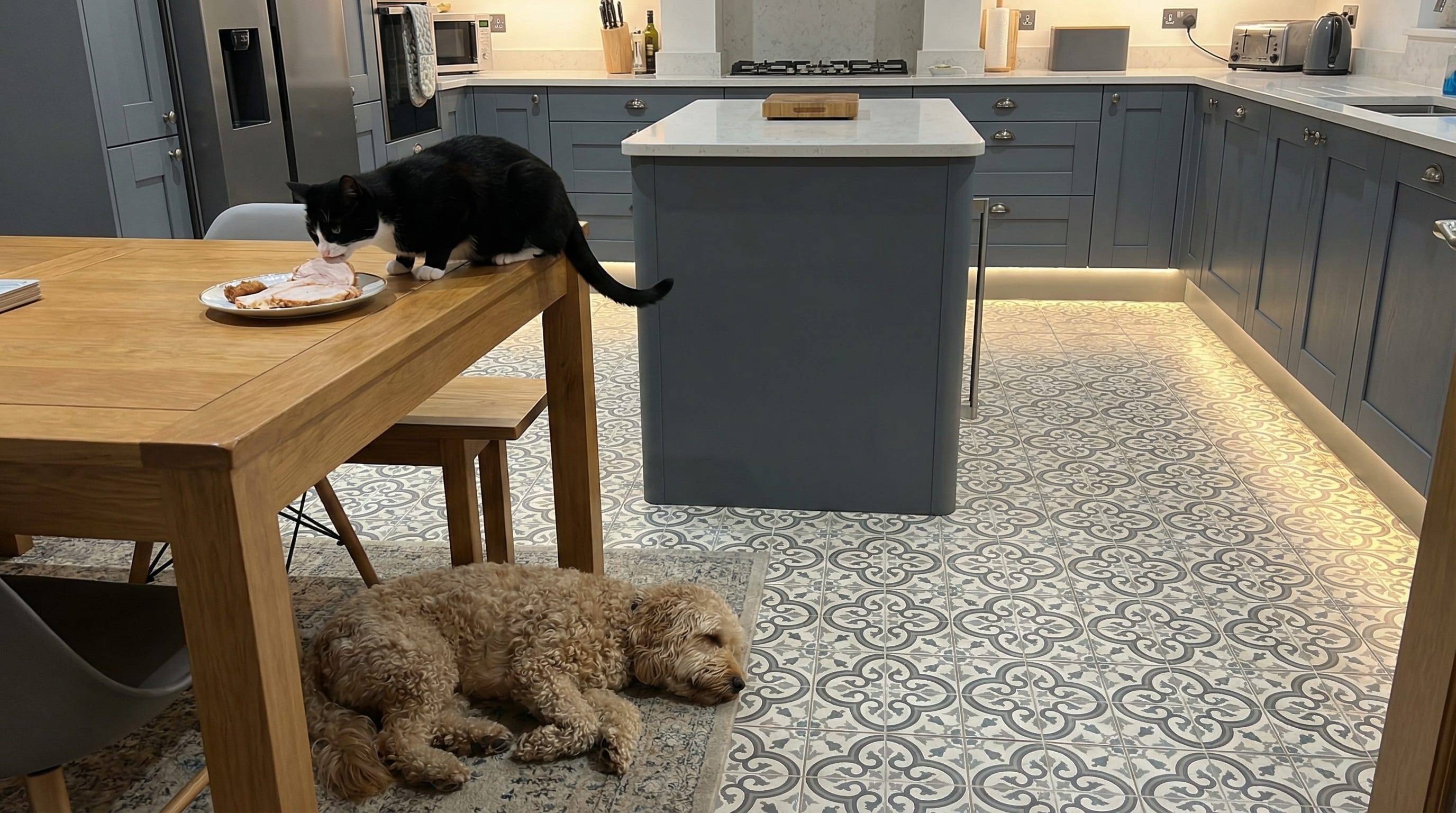
There are no hard rules about how to get good images from Nano Banana Pro. Pretty much any prompt you give it will return a good looking and coherent output, whether you ask for something very simple ("a photo"), or a complex scene ("a photo of a black and white cat stealing turkey from a kitchen table while a labradoodle sleeps unaware underneath, it's a modern sleek kitchen in slate grey with floor uplighting and patterned floor tiles").
In this post, I'll share some pointers on the best places to start, when you're first getting to know the model.
Upscaling and restoration
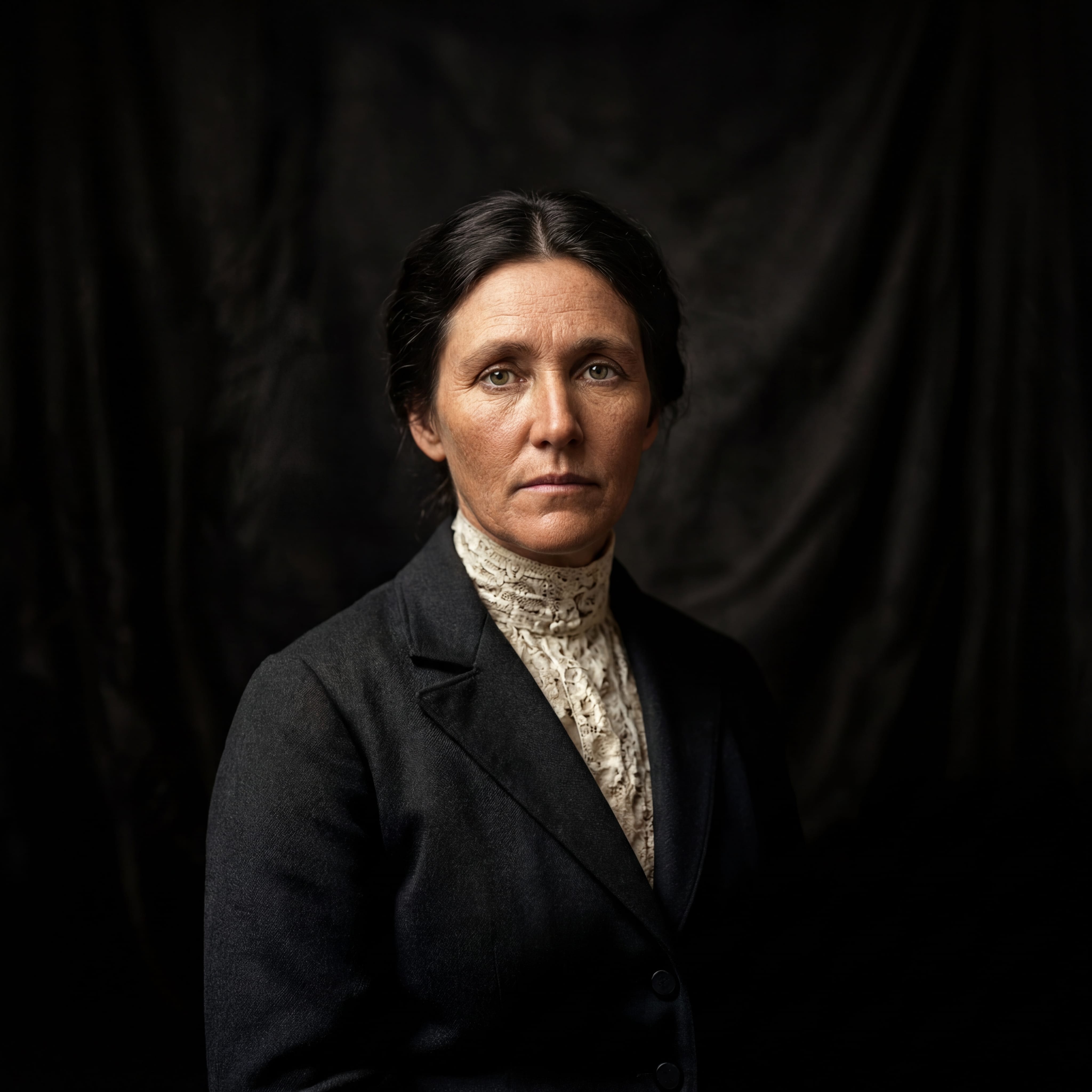
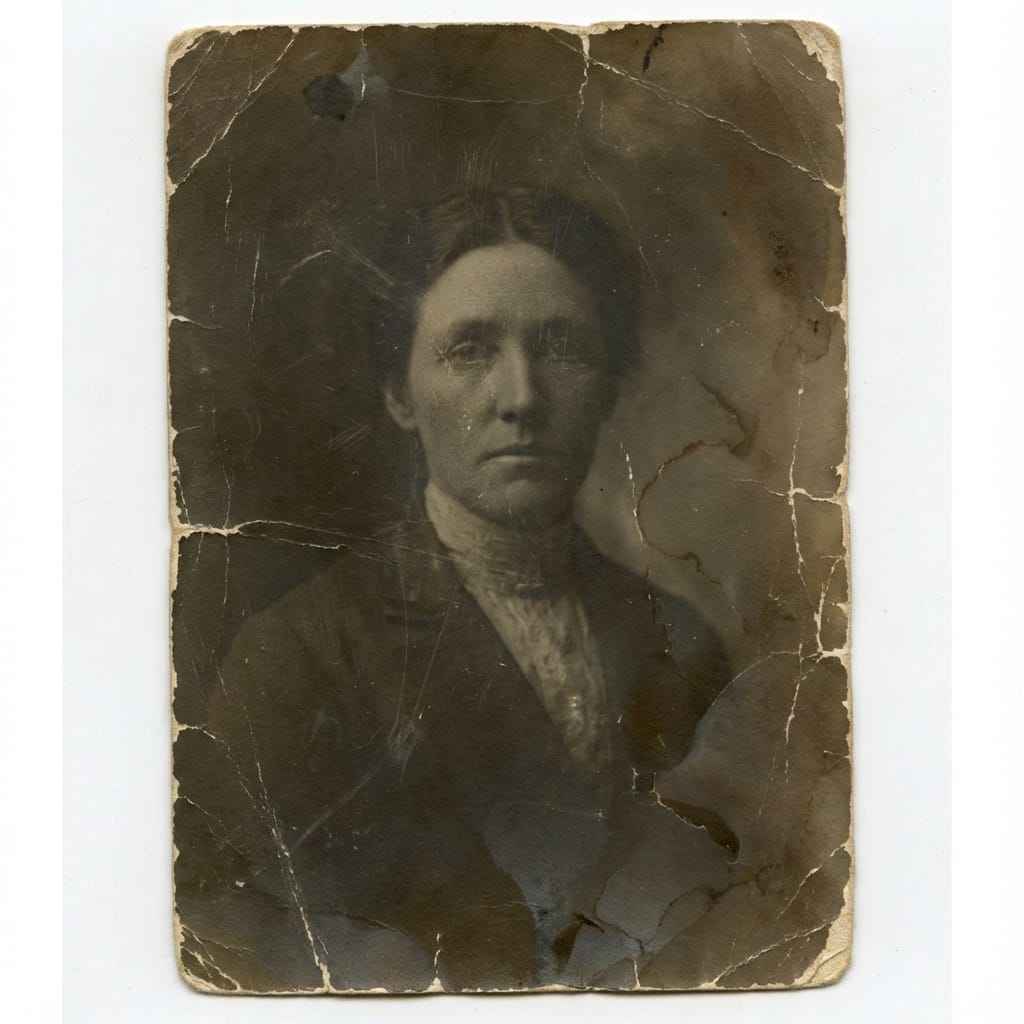
Nano Banana Pro naturally works as a high fidelity upscaling tool. Give it a small image (even as small as 150x150), set the resolution to 2K or 4K, and prompt with "Upscale to 4K". You'll get back a beautiful, sharp and faithfully enhanced image.


You can also use it to faithfully restore old images:
Play around and find out
The simplest approach to learning about any model is to play with it.
Try some minimal prompts to see the kinds of outputs you get as defaults. Then try pushing the model towards something different, more to your liking.
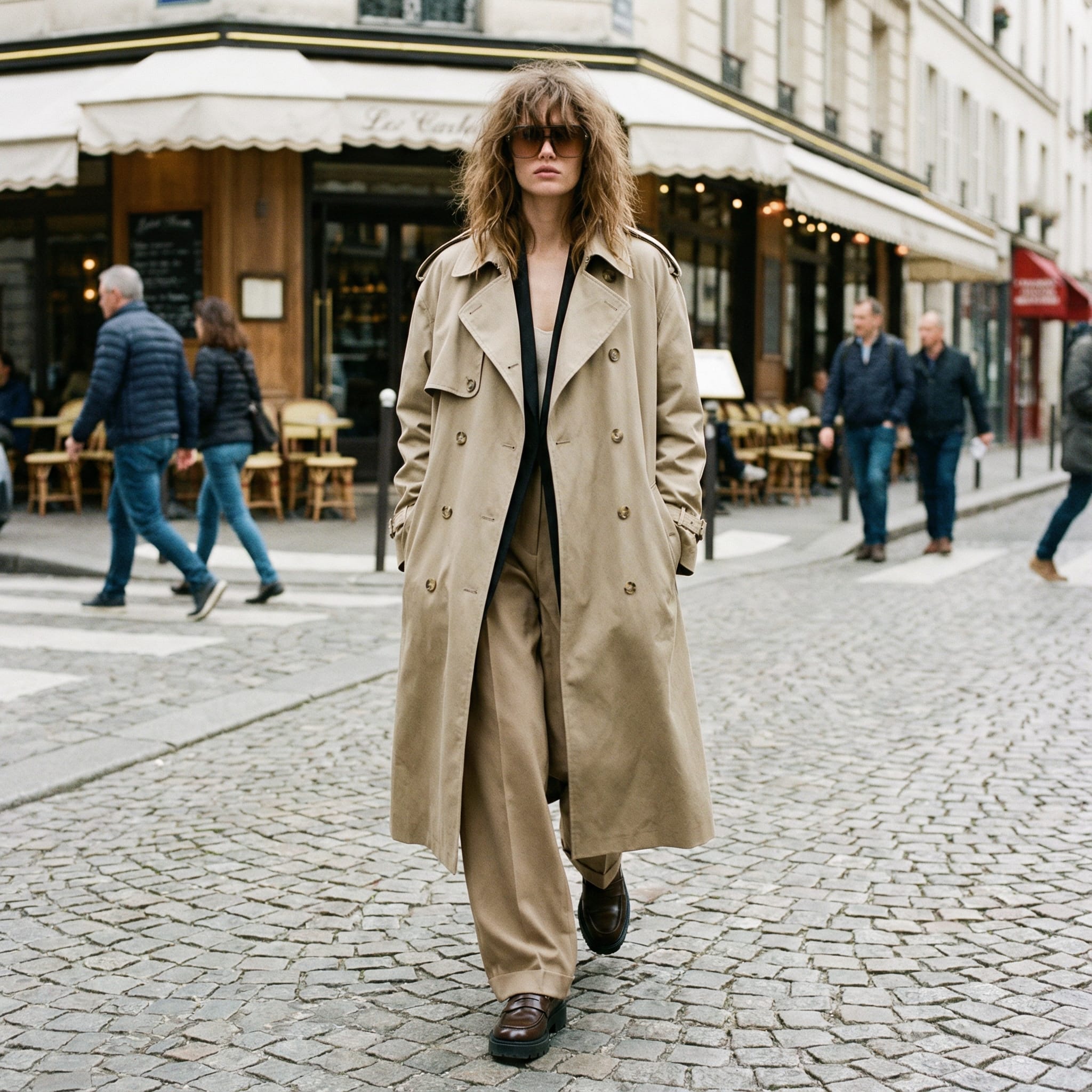
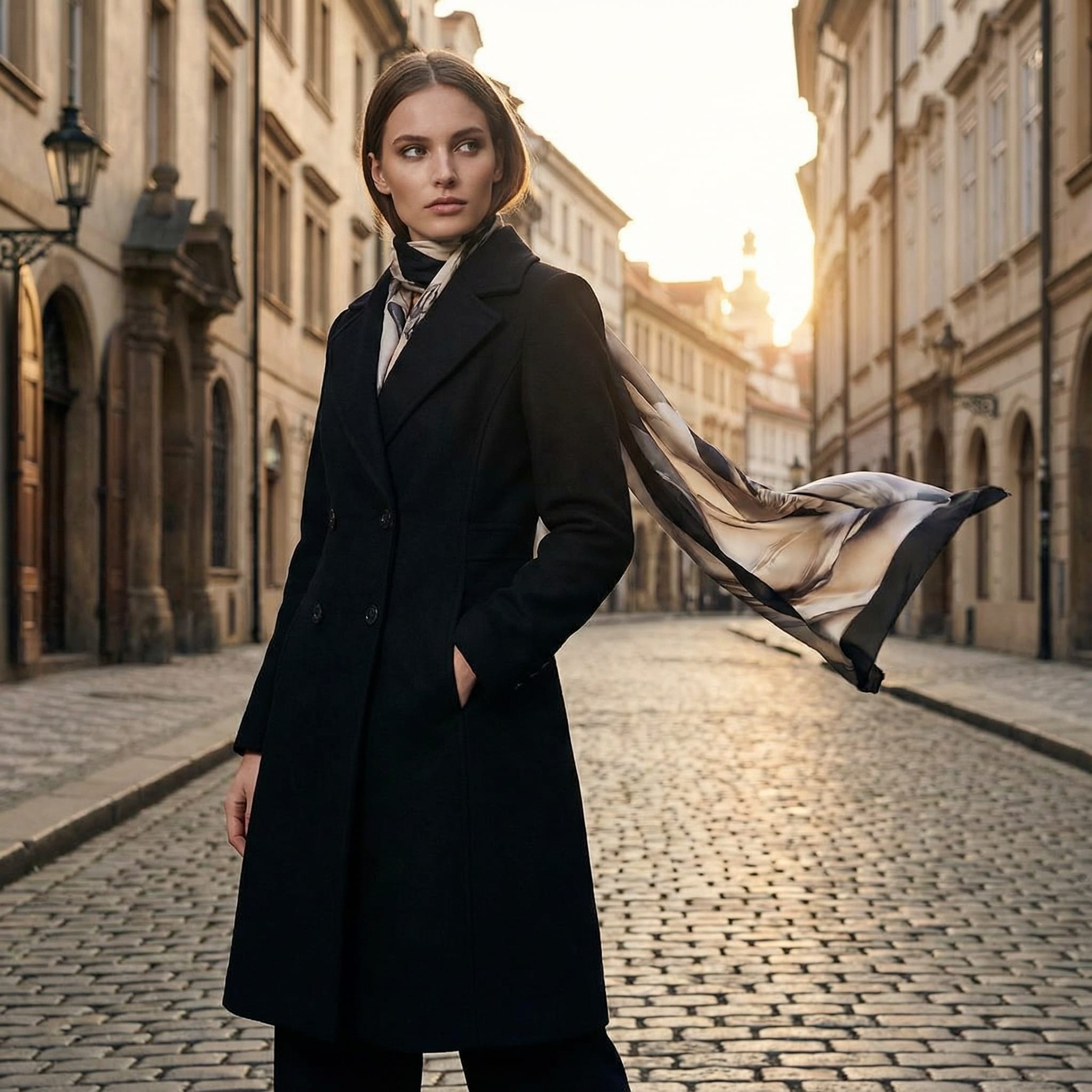
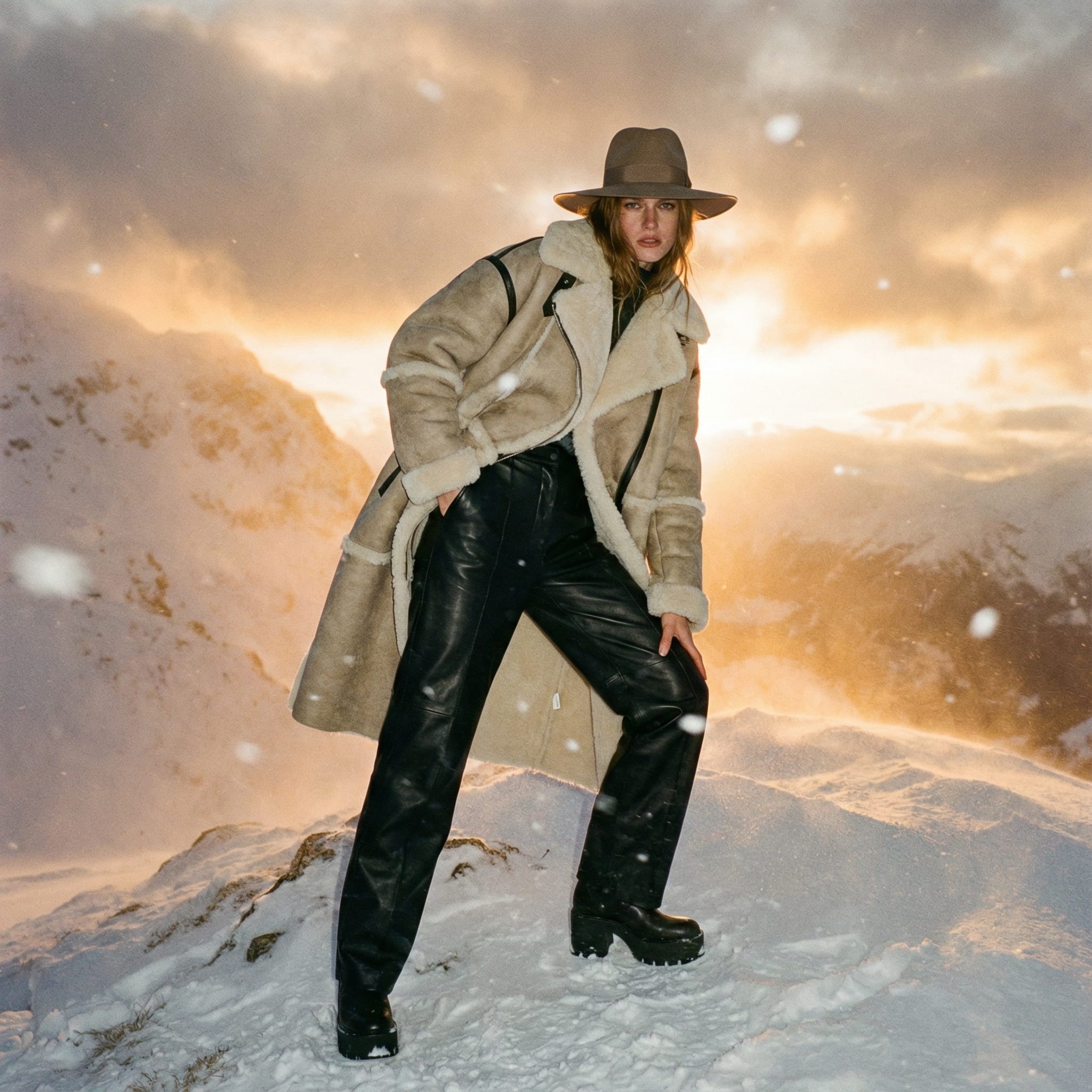
Or start from a real image, and using only words, try to recreate that image.
These are small exercises that give you a flavor for exploration and a quick insight into how the model responds.
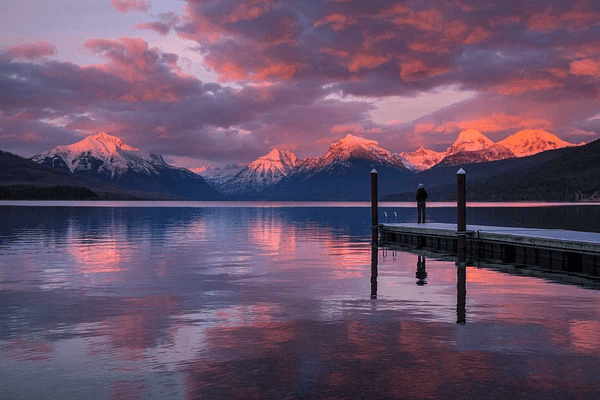
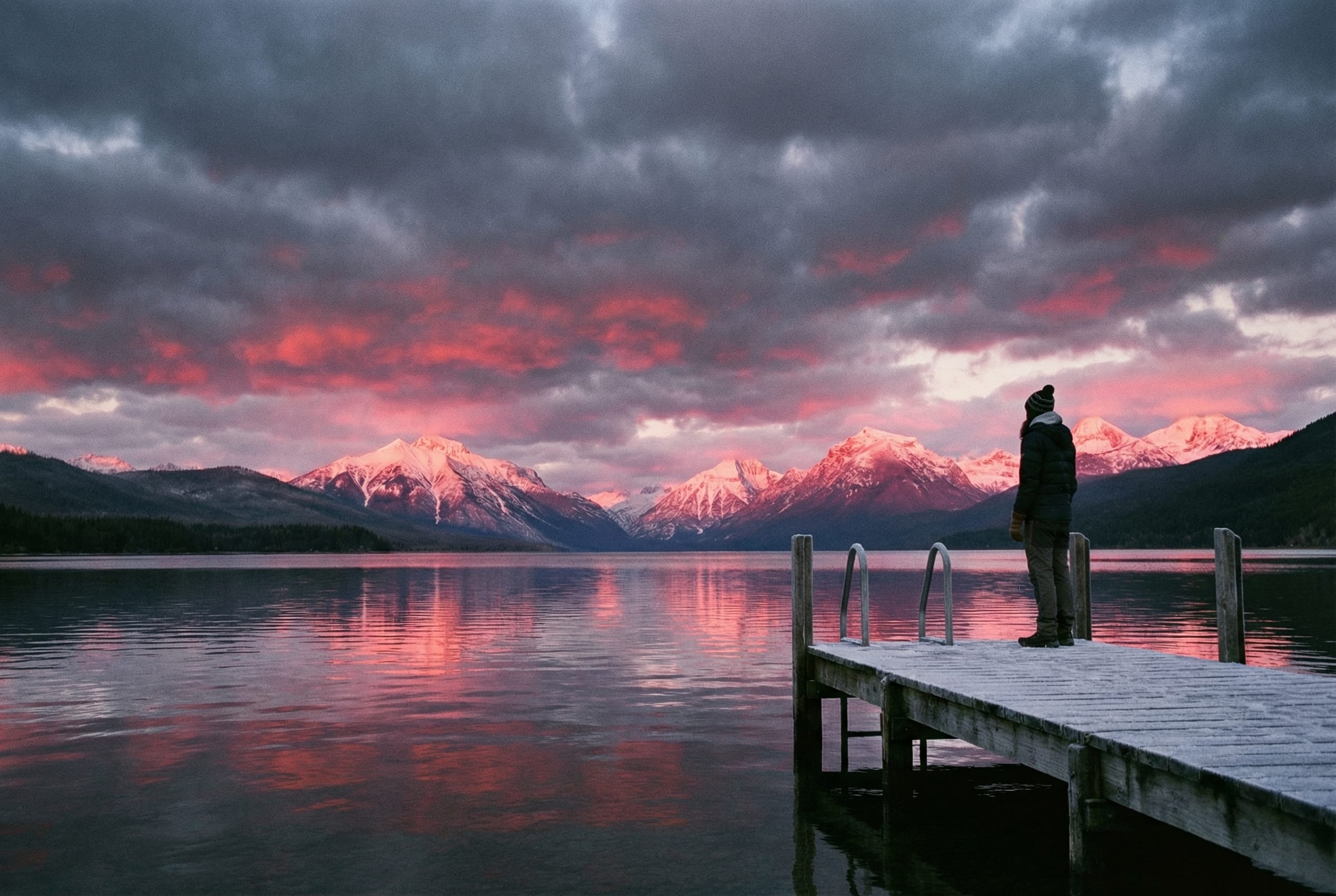
In this example, the model actually used the same mountain range as the original, even though I did not reference the location anywhere in the prompt. It is probably a famously photographed location, and the model has seen it before.
Being detailed with your prompts
You don't have to detail every aspect of your output, and for the most part Nano Banana Pro will fill in the gaps with reasonable assumptions. But when there are exact outputs you need, detail really helps. Getting a precise output that matches your specifications will take a bit of prompt iteration.
Being detailed with your prompts
You don't have to detail every aspect of your output, and for the most part Nano Banana Pro will fill in the gaps with reasonable assumptions. But when there are exact outputs you need, detail really helps. Getting a precise output that matches your specifications will take a bit of prompt iteration.

Sometimes it can be easier to tell the model what you don't want to see, to nudge it in the right direction. Negative prompts work as you would expect them to, and are an easy way to stop the model from repeatedly making the same wrong choices.
Some common negatives I've used:
- no date stamp (Nano Banana Pro likes to put these in the corner)
- no text
- not rustic (Nano Banana Pro likes to make everything look a little aged)
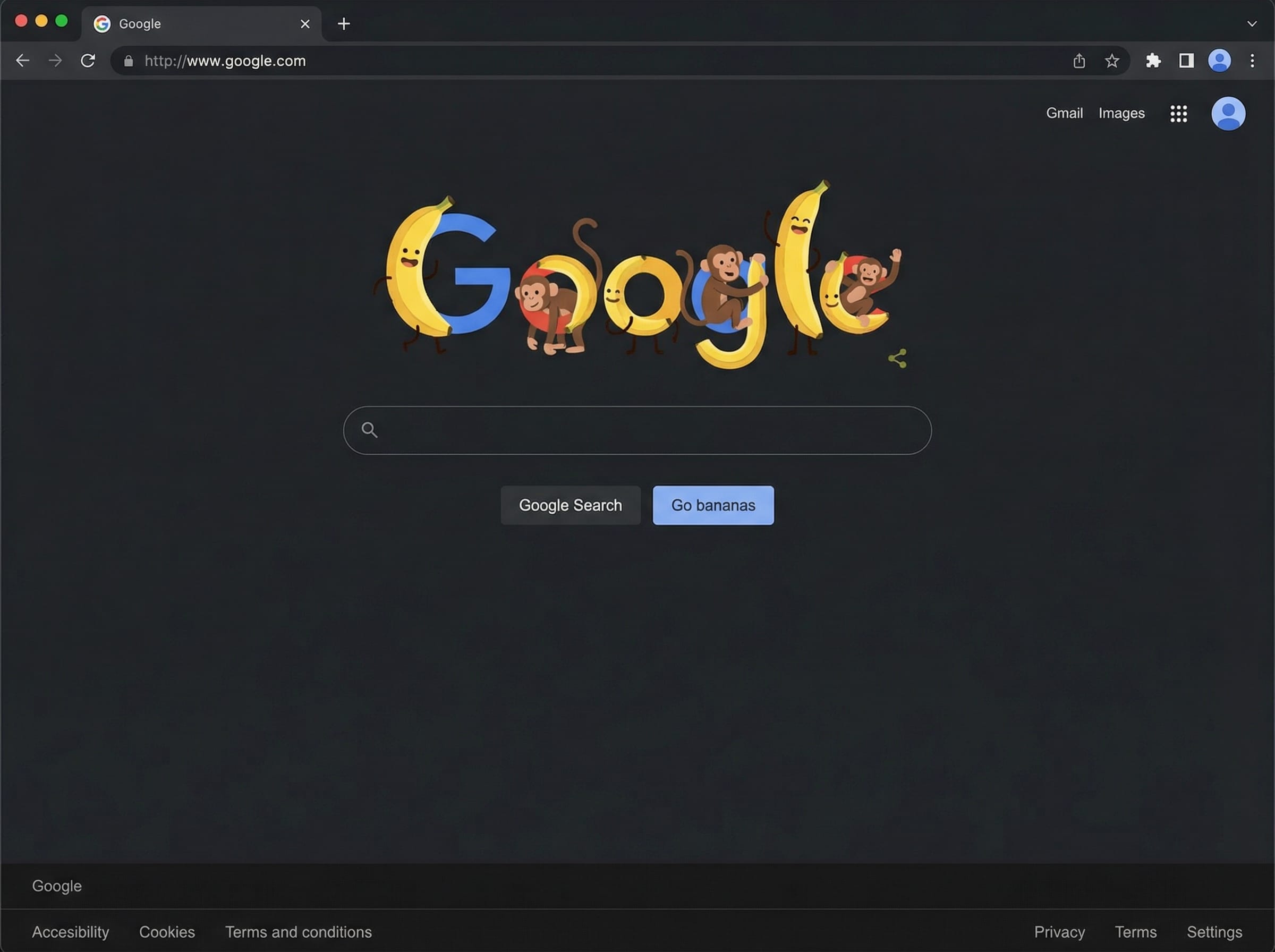
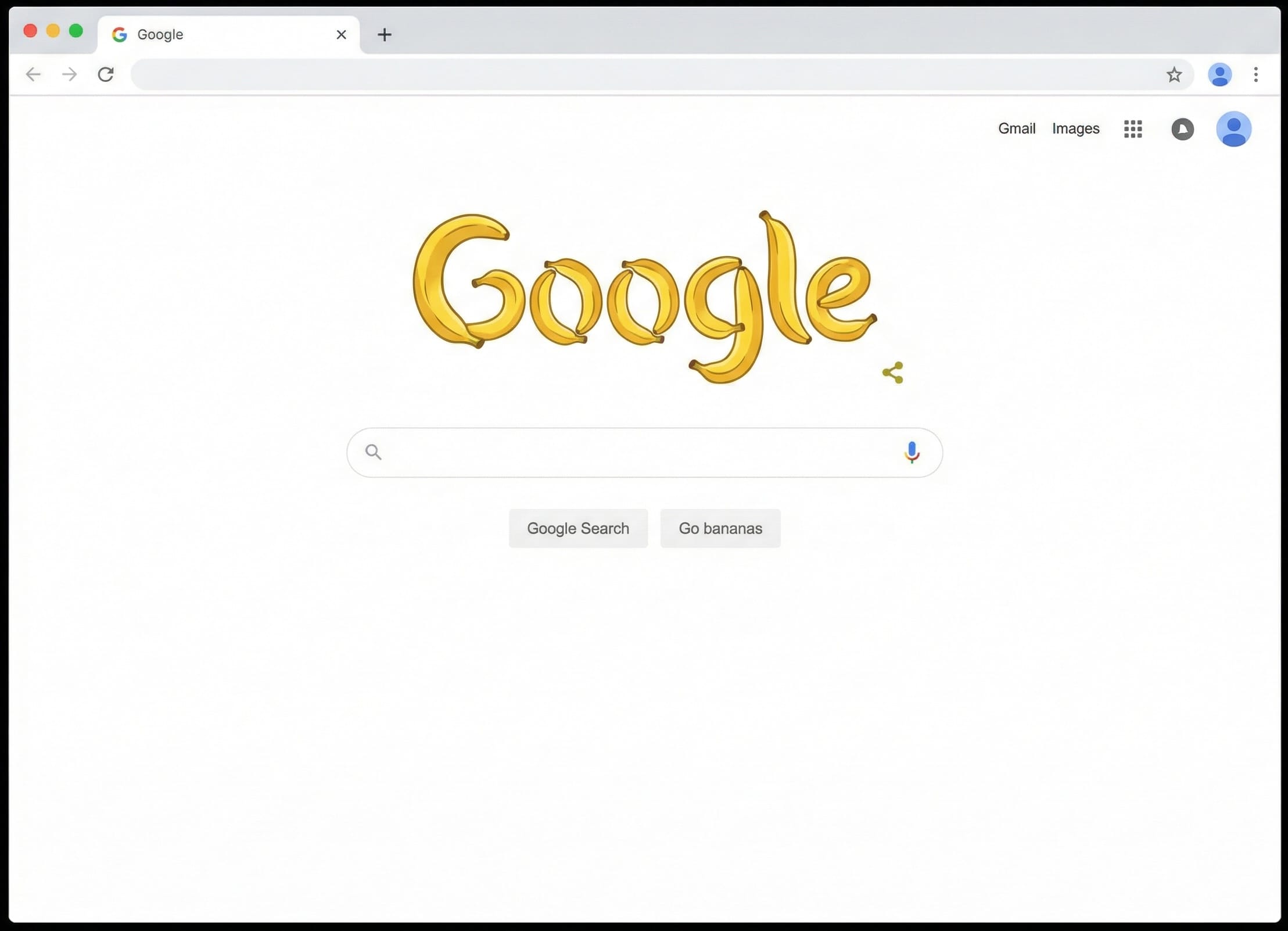
In this example, Nano Banana Pro liked to add lots of monkeys to any design or illustration focused on bananas. Simply asking for "No monkeys" was enough to get the result I wanted.
JSON prompting
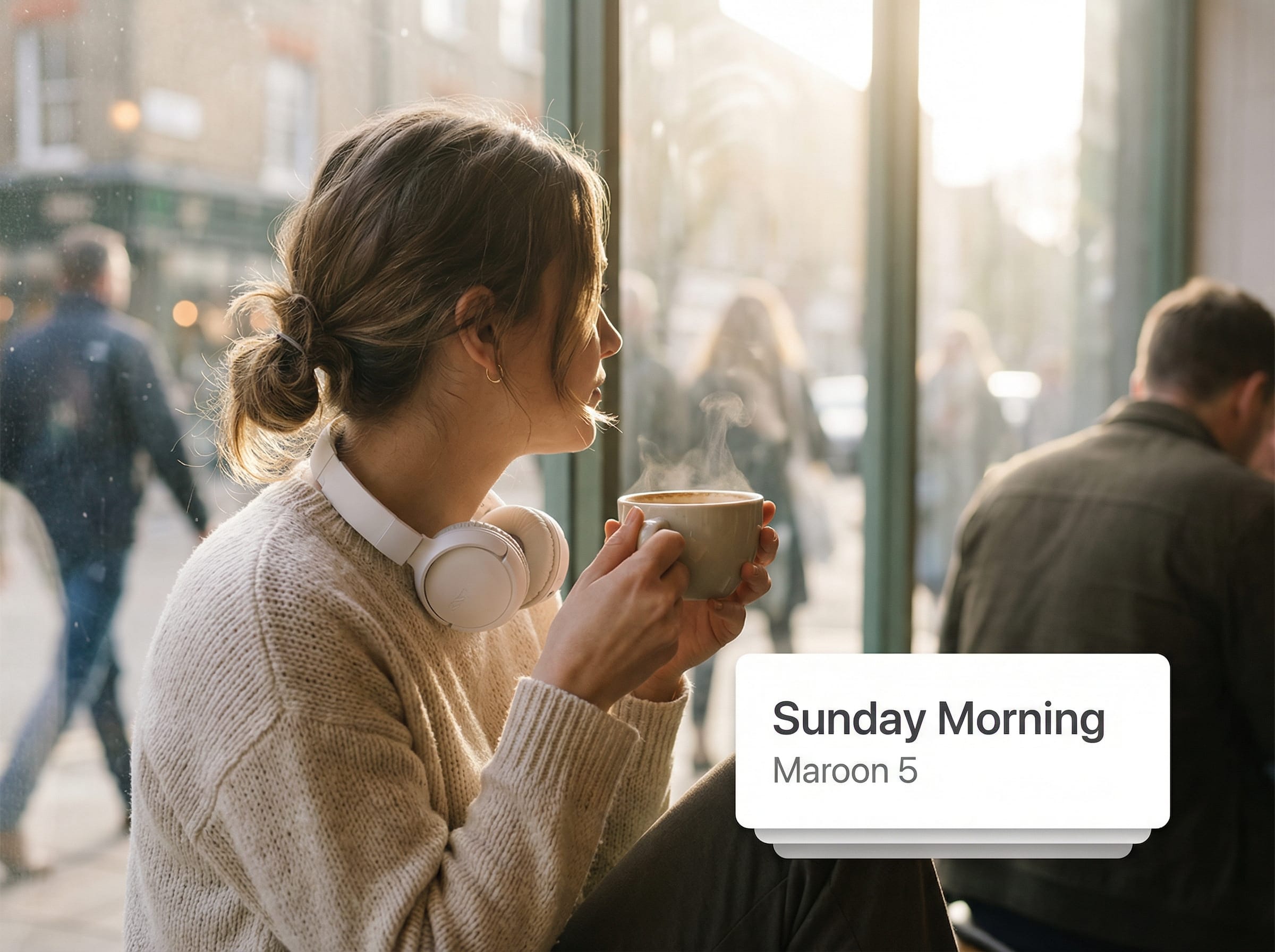
Some people like to use JSON prompting as a way to provide structured detail to the model. This can help to get across meaning, composition, subject and style in a way that's easily understood by the model, but less verbose than prose alone. This post on X by ViralOps contains good instructions on how to optimise Gemini for writing JSON prompts.
{
    "promptDetails": {
        "description": "A prompt to *create a new scene* by placing a subject (based on a reference photo) into a warm, daily life environment, overlaying a clean minimalist music interface.",
        "styleTags": [
            "Lifestyle Photography",
            "Cozy",
            "Golden Hour",
            "Instagram Aesthetic"
        ]
    },
    "scene": {
        "background": {
            "setting": "a busy but cozy coffee shop corner on a sunny morning",
            "details": "Soft morning sunlight streaming through a large glass window, blurred pedestrians outside, wooden table texture, steam rising from a latte."
        },
        "subject": {
            "description": "The person defined by [UPLOADED IMAGE], looking relaxed and content.",
            "pose": "sitting at a wooden table, one hand holding a ceramic mug, looking thoughtfully out the window",
            "focus": "Subject is clearly defined against the warm, slightly blurred interior of the cafe."
        }
    },
    "overlayObject": {
        "type": "Minimalist 'Now Playing' Digital Widget",
        "relationshipToEnvironment": "the UI appears as a **clean, flat graphic overlay** (like an Instagram Story sticker) hovering in the negative space near the window.",
        "transform": "Straight orientation, 2D graphic design style, keeping the composition balanced without obscuring the face.",
        "surfaceInteraction": "Matte finish, high opacity white card with soft drop shadow to separate it from the background.",
        "components": {
            "songTitle": "Sunday Morning",
            "artistName": "Maroon 5",
            "position": "floating in the bottom-right corner of the frame."
        }
    },
    "technicalStyle": {
        "aspectRatio": "4:5",
        "photographyStyle": "Lifestyle, High-Key, Commercial",
        "camera": {
            "shotType": "Medium Shot",
            "angle": "Slightly above eye-level (casual)",
            "depthOfField": "Moderate, keeping the subject and table sharp, blurring the street outside."
        },
        "lighting": {
            "type": "Natural, Warm, Diffused",
            "description": "Sunlight acts as the key light coming from the window side, filling the scene with golden tones and soft highlights on the hair."
        },
        "color": {
            "palette": "Earth tones, warm browns, creams, and soft greens."
        }
    },
    "audioDevice": {
        "type": "white aesthetic noise-canceling headphones",
        "fit": "resting around the subject's neck (not on ears)",
        "color": "clean matte white or beige",
        "consistencyNote": "implies a break in listening to enjoy the ambient sounds of the coffee shop"
    },
    "moodReinforcement": "The scene feels like a relaxed start to the day, with the music track 'Sunday Morning' reflecting the easygoing vibe."
}
Text in images
Nano Banana Pro is very good at handling text, whether that's the text you give it, or the text it chooses to include. It can do this in whichever style and orientation you need; cursive, sans-serif, handwriting, or 3D word art.
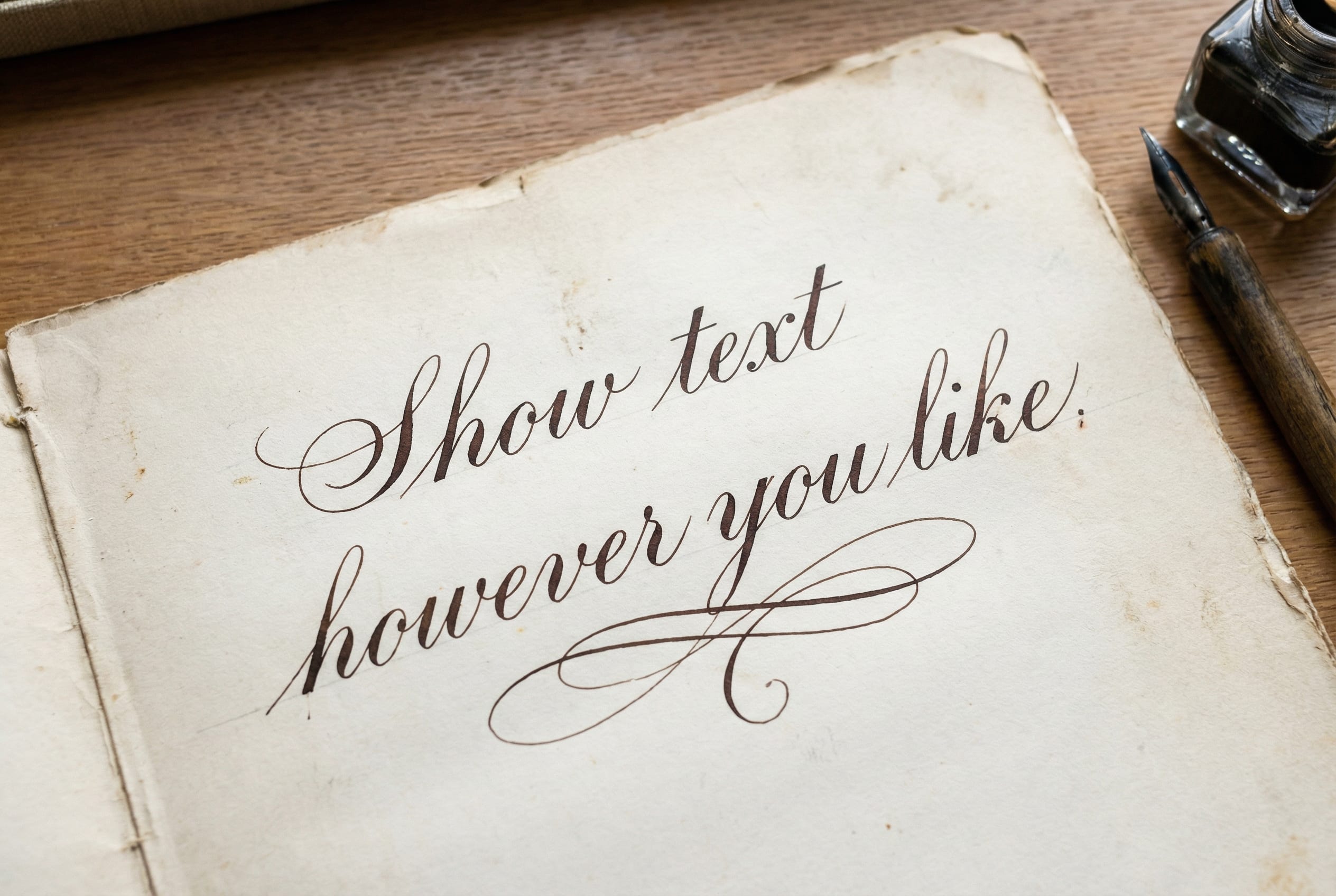
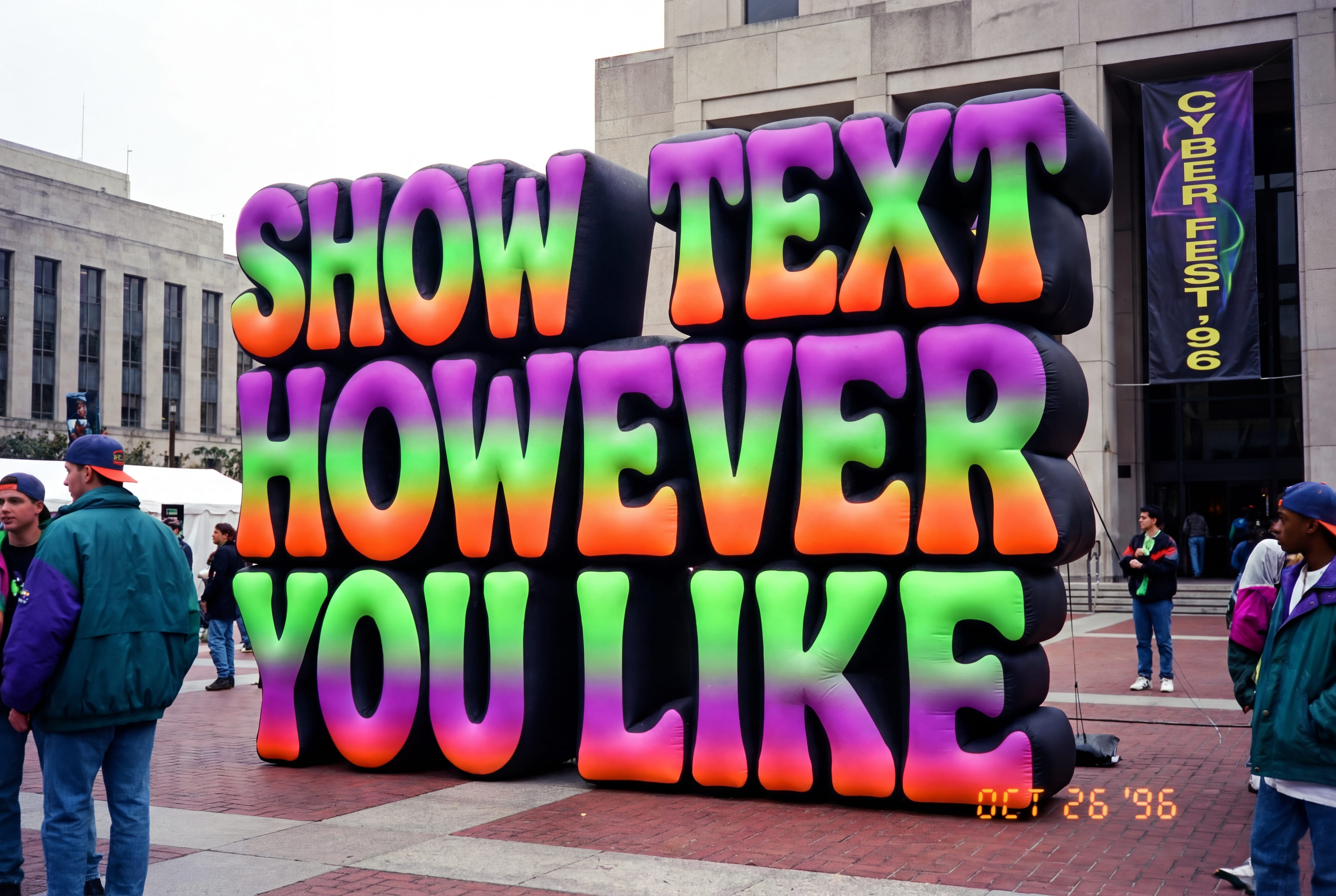
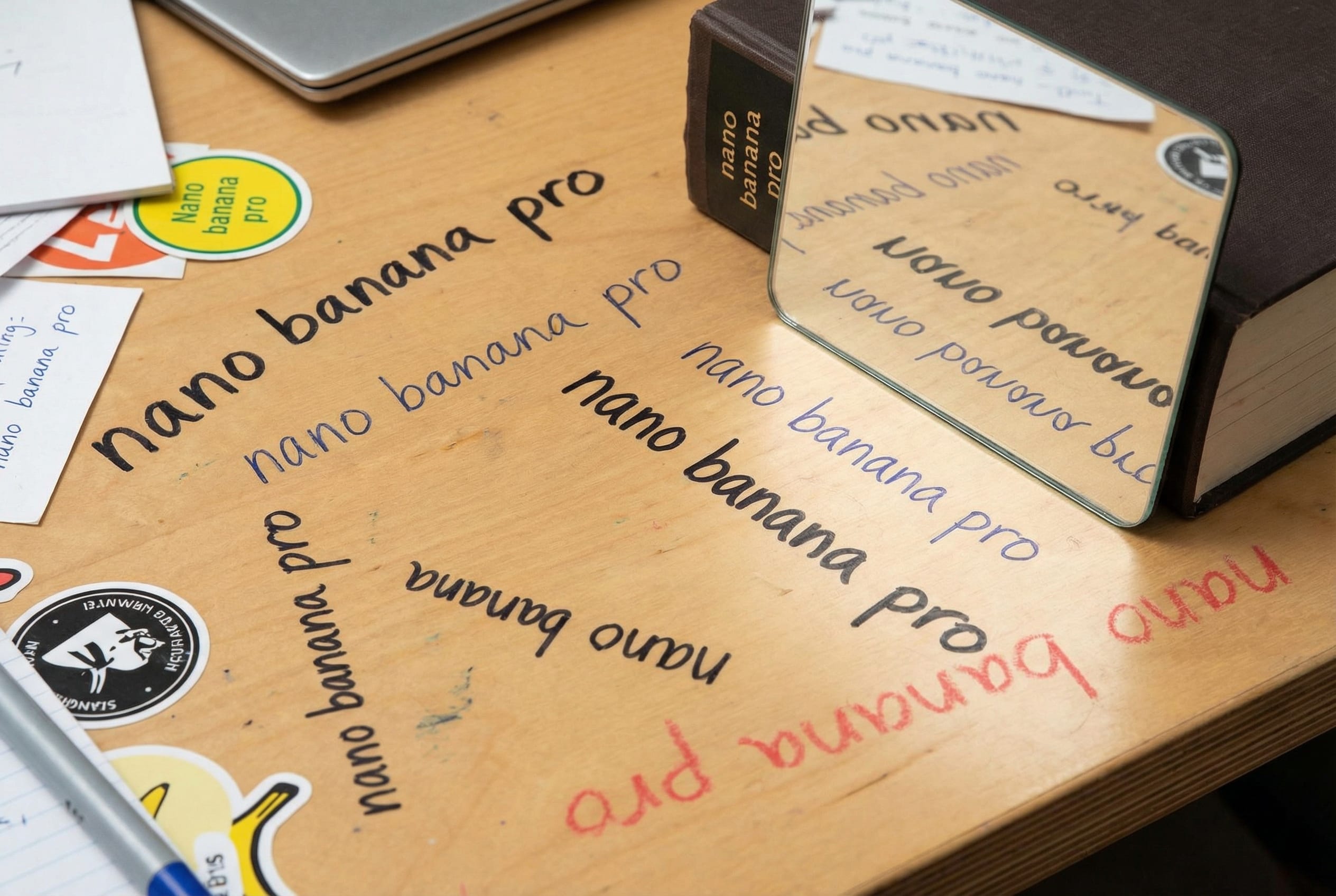
You do not have to specify the text, you can ask for a short story, a poem, a guide or an infographic, and your output will include something clear and legible if it's short.
Leaving very long text up to the model can give you illegible or incoherent outputs. This happens when the model dedicates an area of the image to text, but the balance of space for the text and the text it tries to include isn't quite right. It can end up filling the remaining space with nonsense.
If you need very long text in your image, it's best to prompt with the full text and ask for a verbatim copy to appear. The more important the text is to an image, and the more control over it you need, the better it is to be explicit with the words you want to see in the output.

Consistent characters
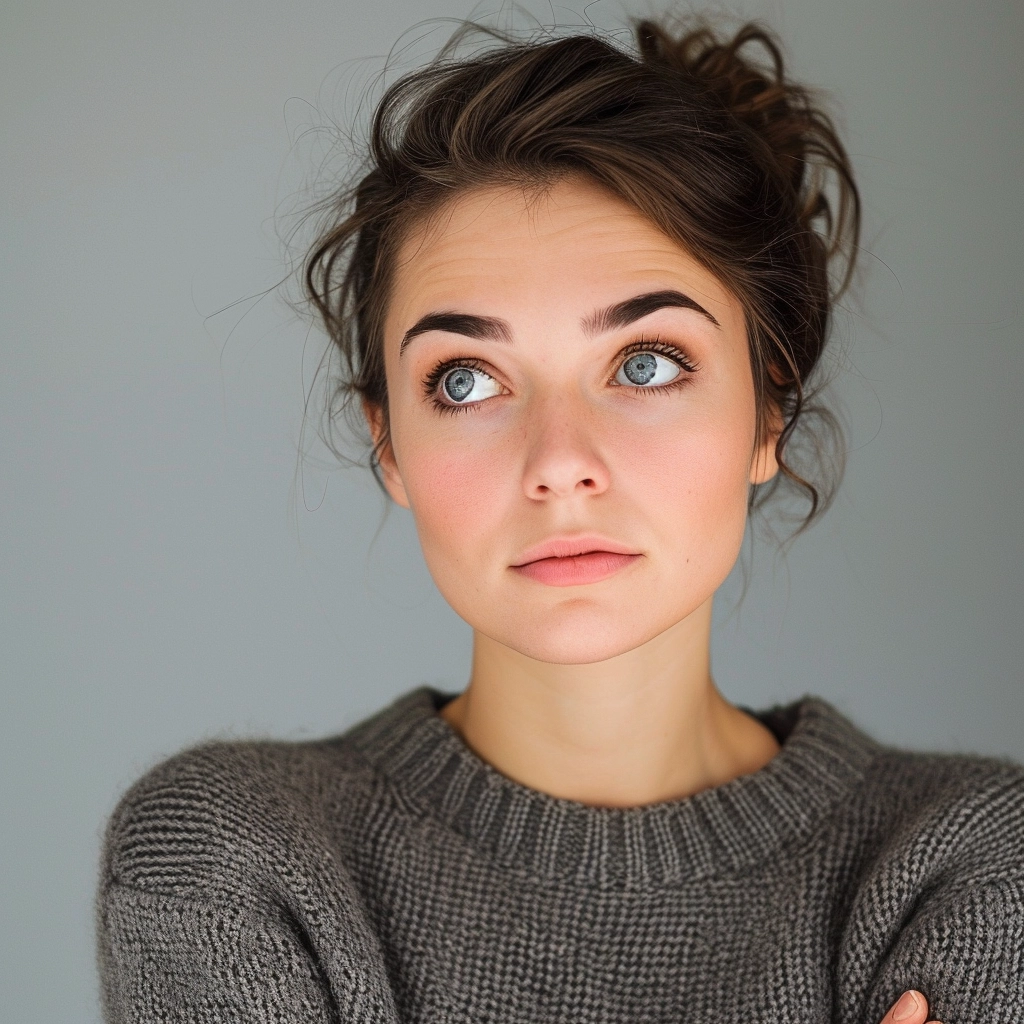
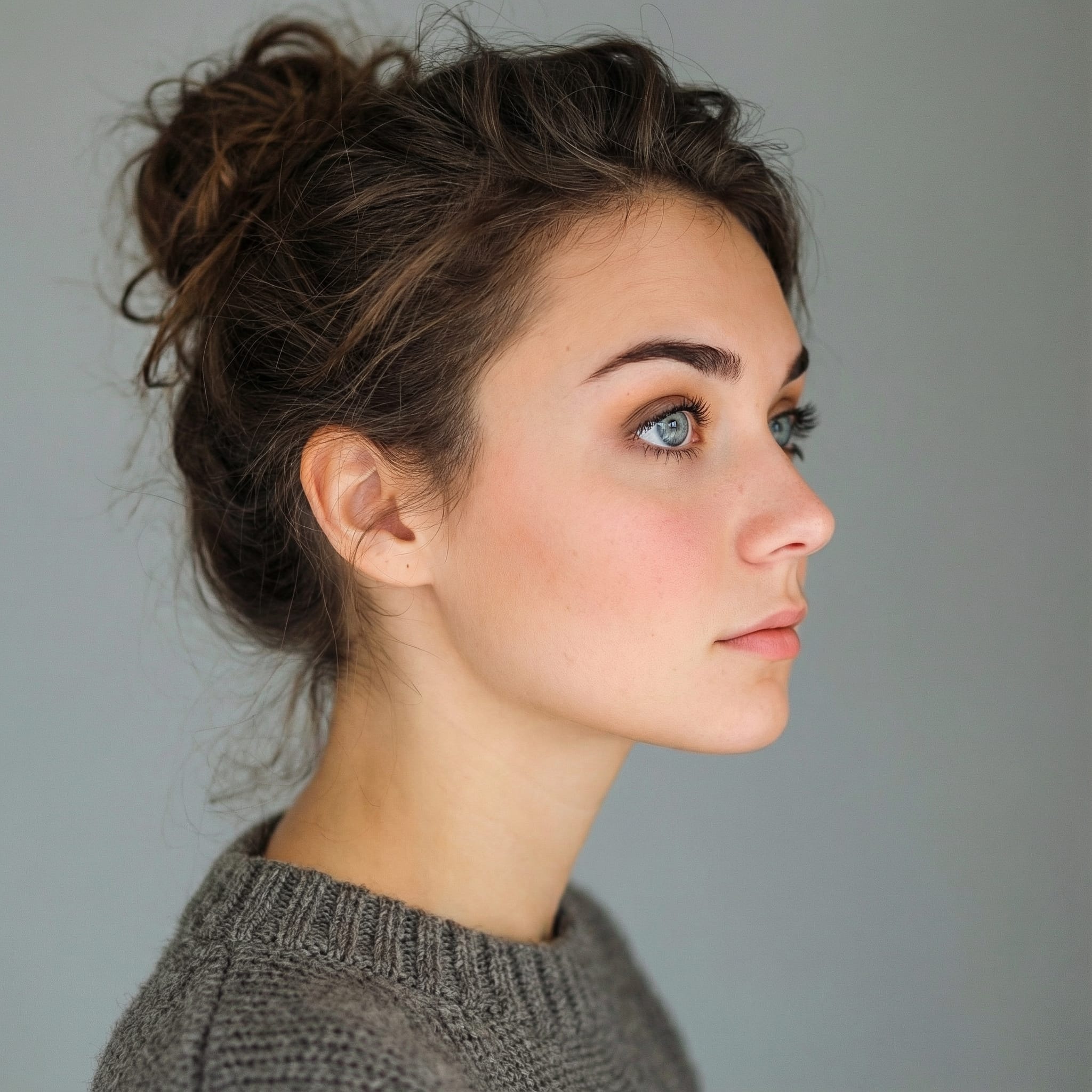
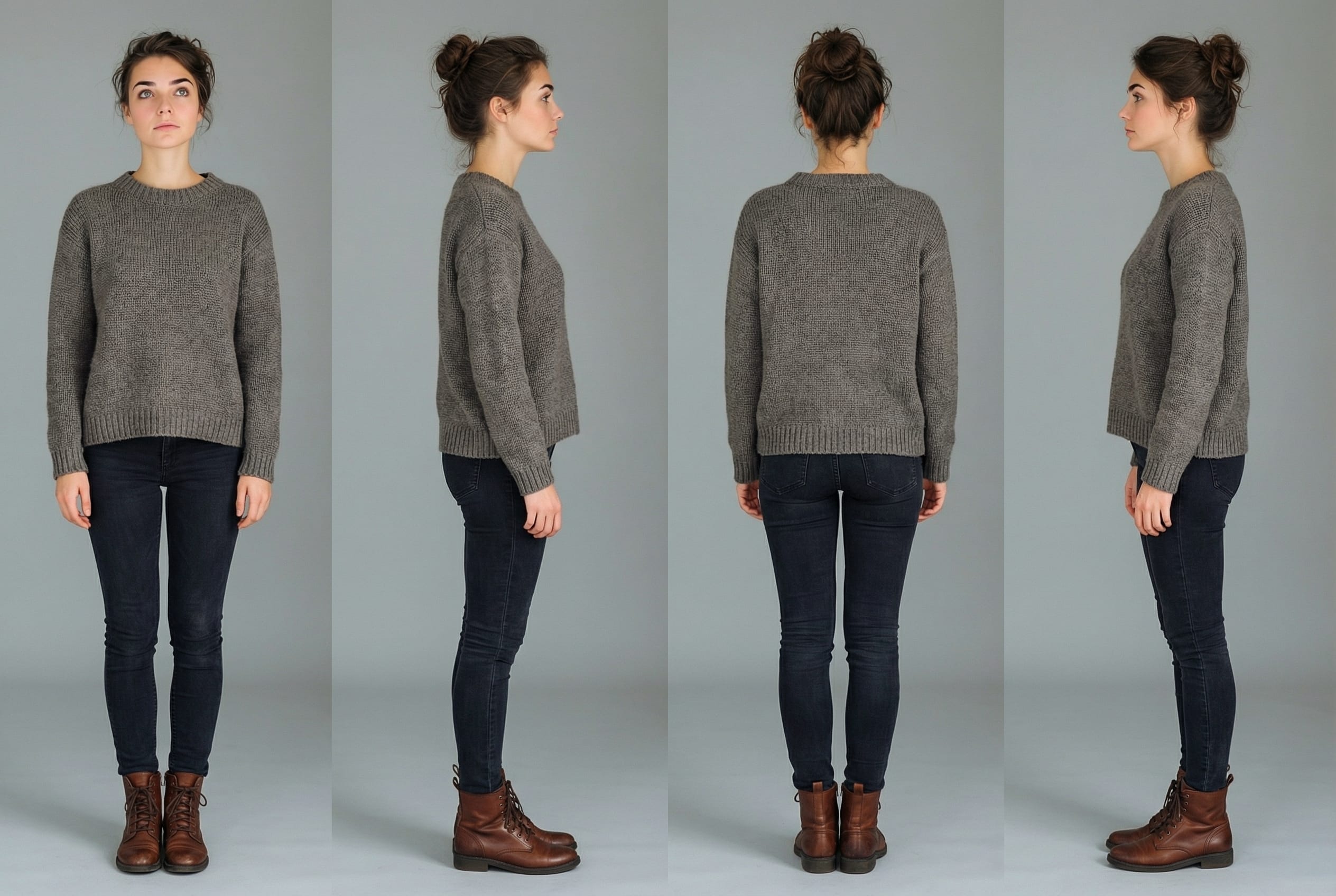
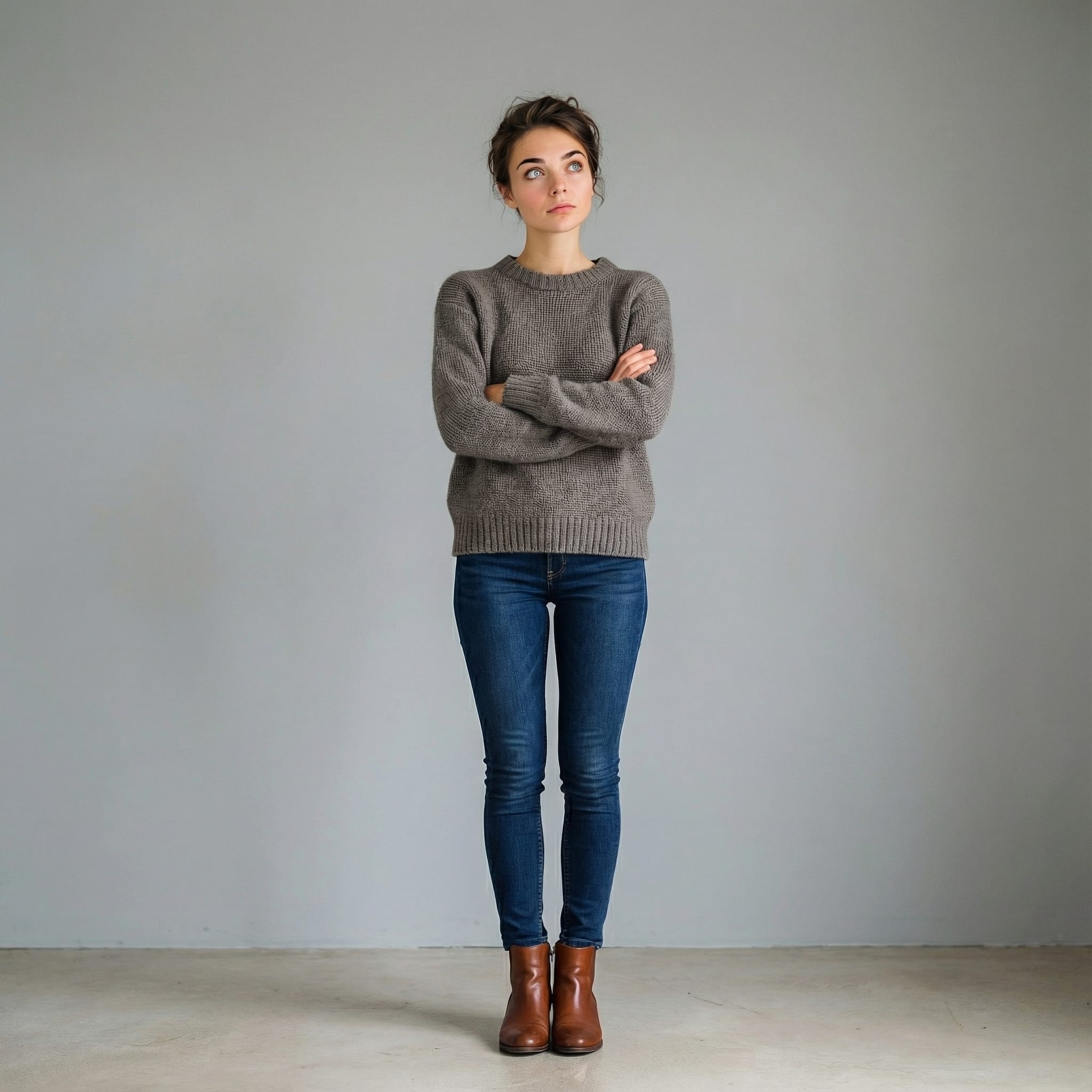
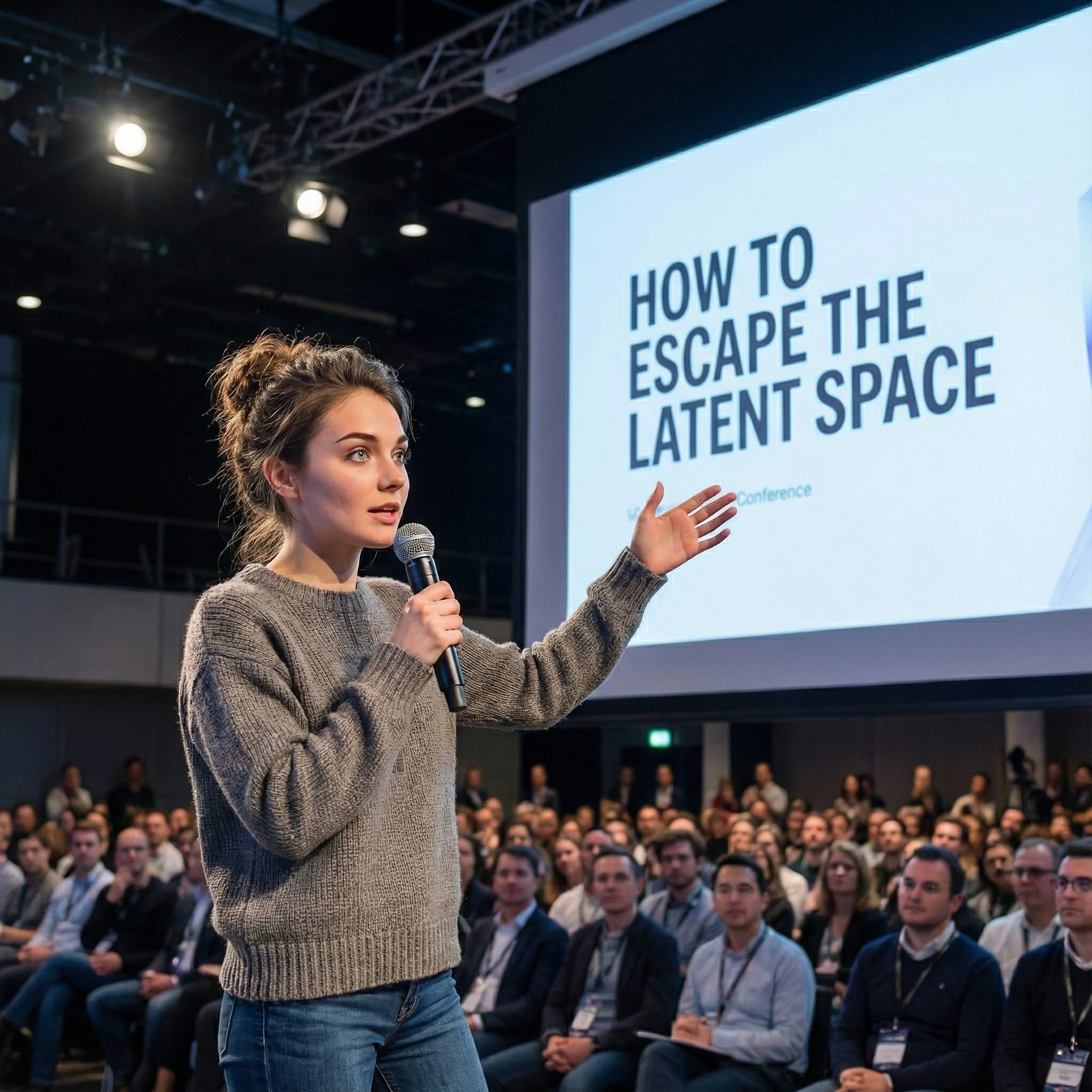
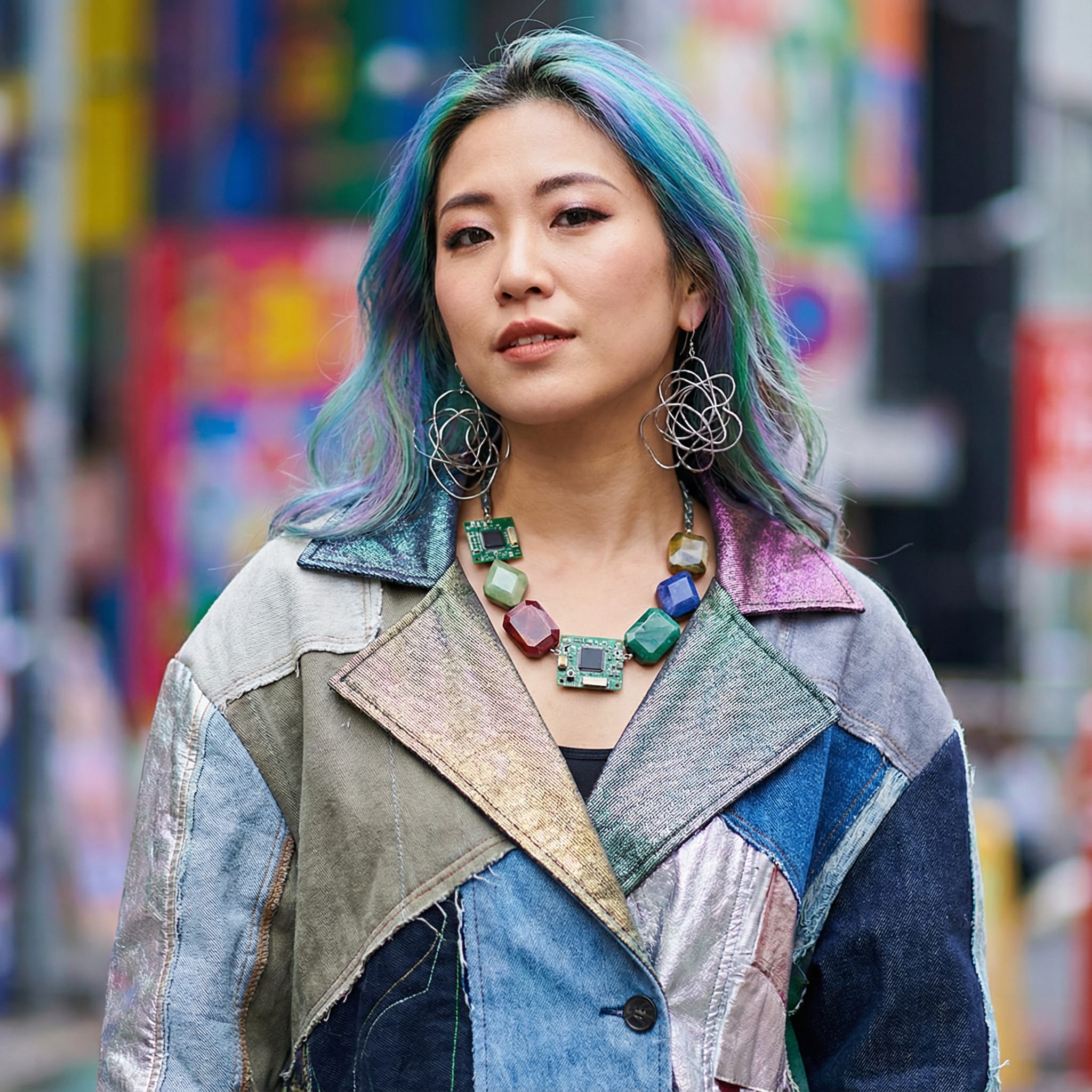
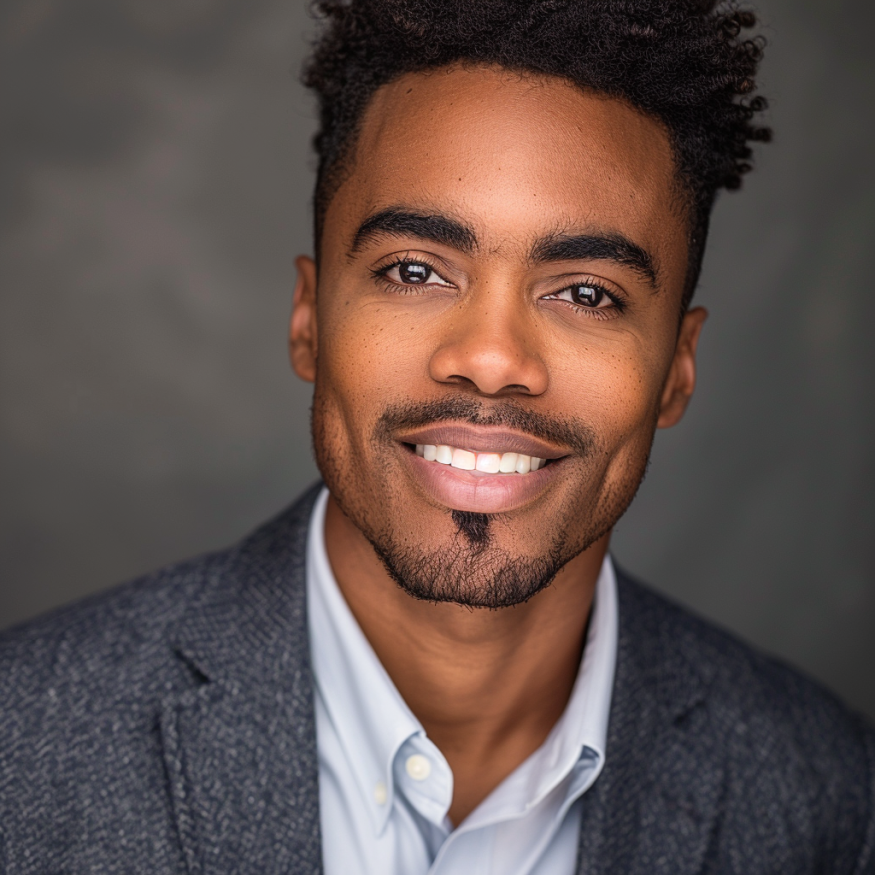
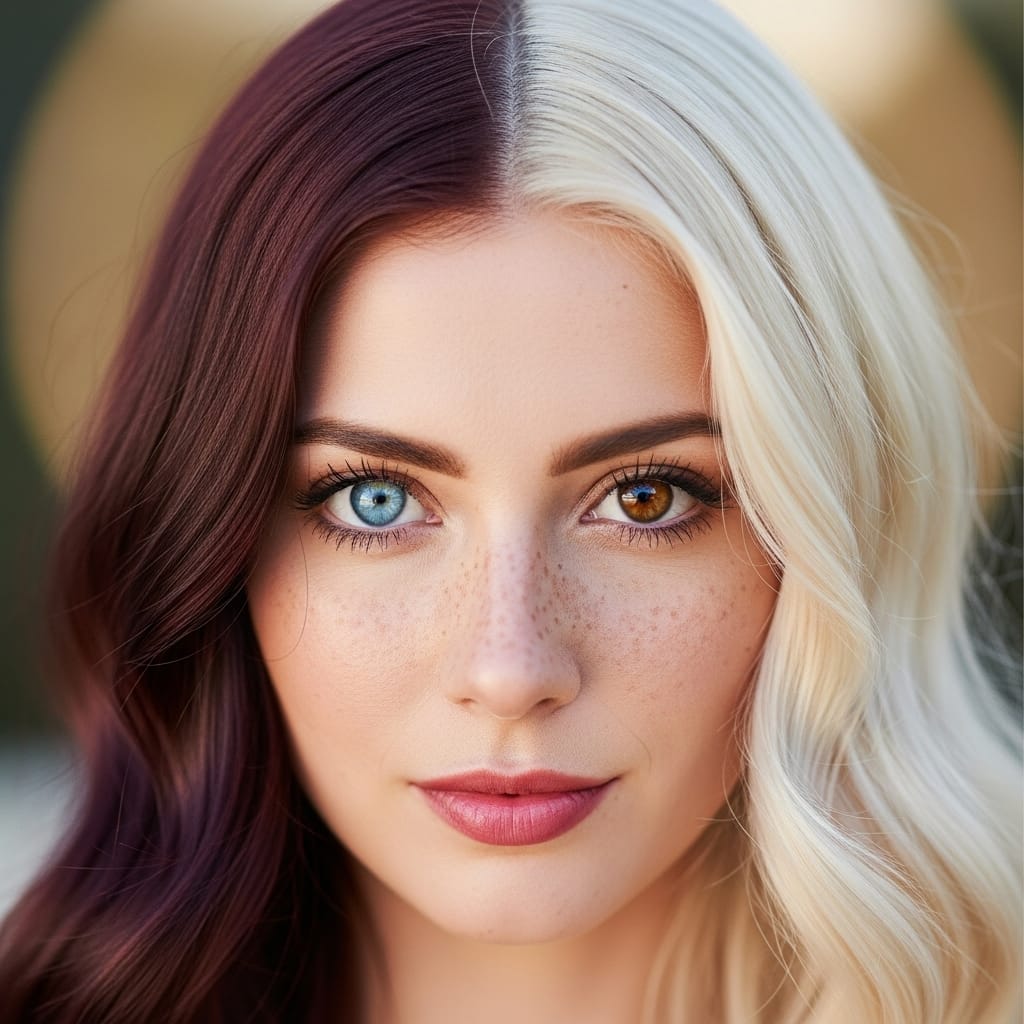
You can create images of your characters by passing them as reference images to Nano Banana Pro. Even with just a single reference image you will often get a consistent and usable identity in your output.
When accuracy and variation is important, try to give more than one image of your character. Use a range of image types; close ups, full body shots, different clothes, different poses and expressions, different orientations. You want to give the model as much information about your character as you can so it can be accurate with its outputs.
The model can handle up to 5 references with high fidelity.
When you only have a single image as a reference, run the model a few times to get a few more images that you can use as references.
Multiple characters
The model can handle up to 5 references with high fidelity, meaning you can put up to 5 different characters together into the same output.
You can try going beyond this, but you'll find an increasing number of character hallucinations or inaccuracies.


Using reference images
Reference images can be used for more than just characters. Really they are a general purpose way of giving the model context about something, and they can influence the output in many different ways.
Common uses include:
- Object placement
- Adapting to a specific style
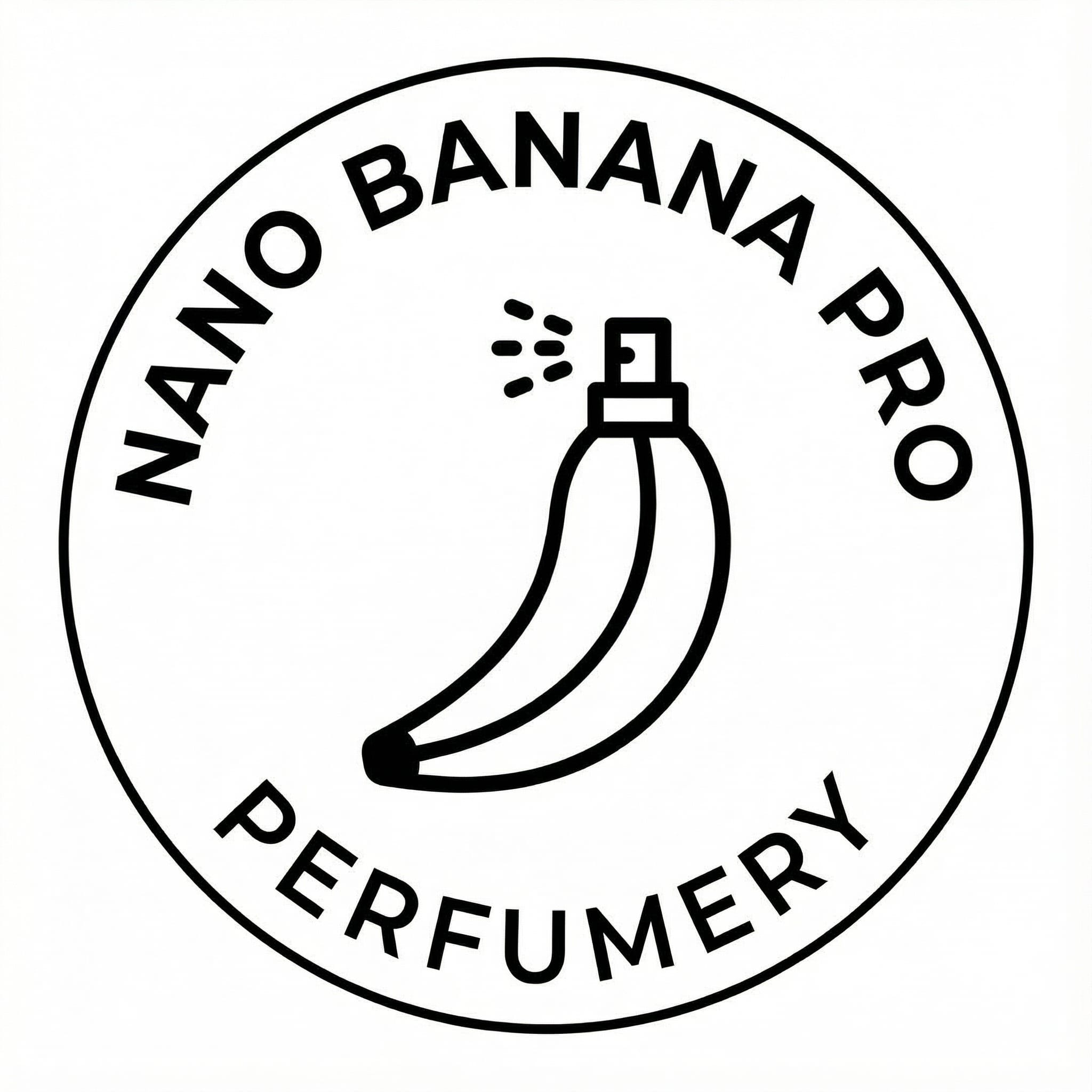
- Branding
- Color schemes and palettes
This is most useful if you have something you need to show in an output that the model doesn't otherwise know about, like your company brand, a new product you're releasing or something that was made after the model's January 2025 cut-off date (like a Google Pixel 10).
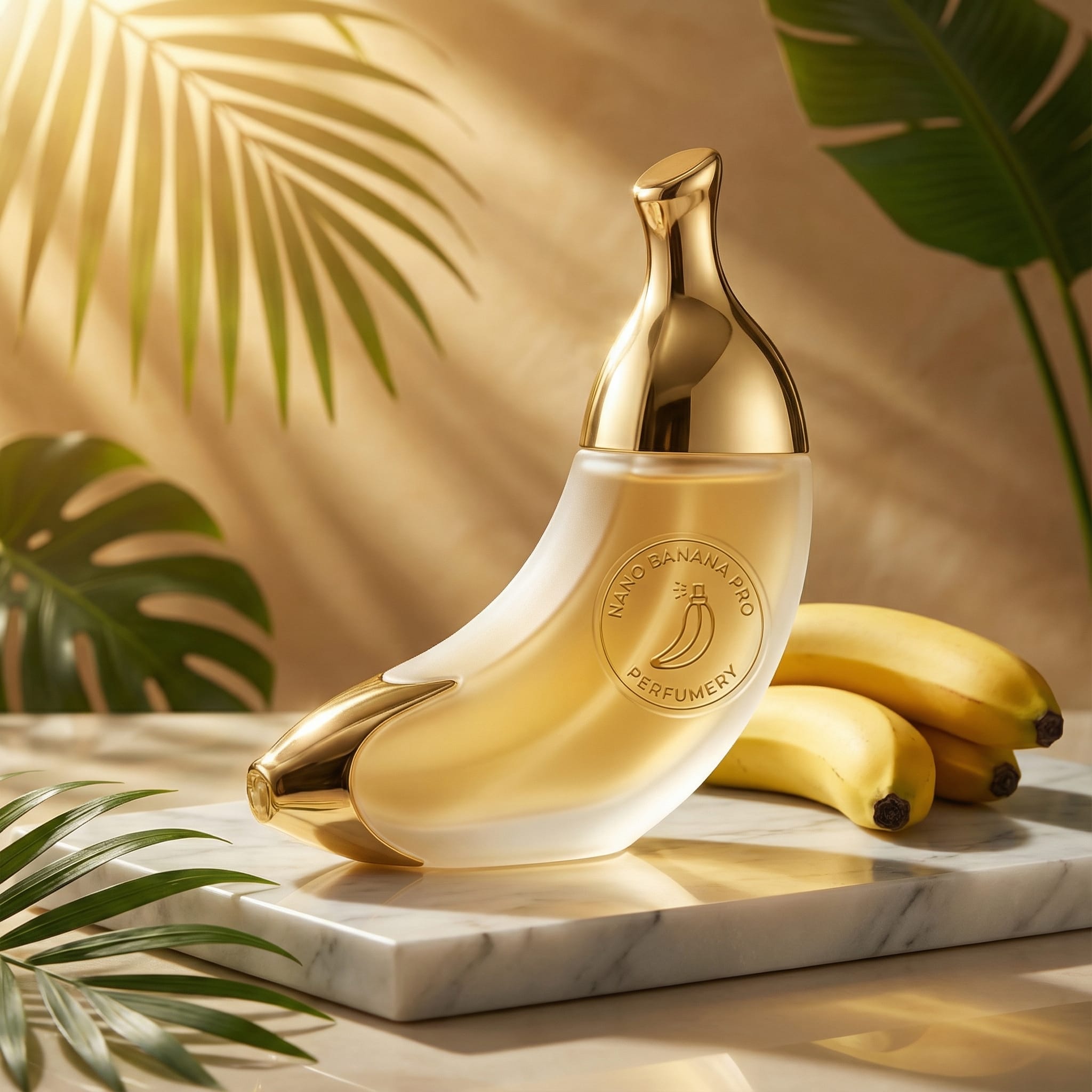
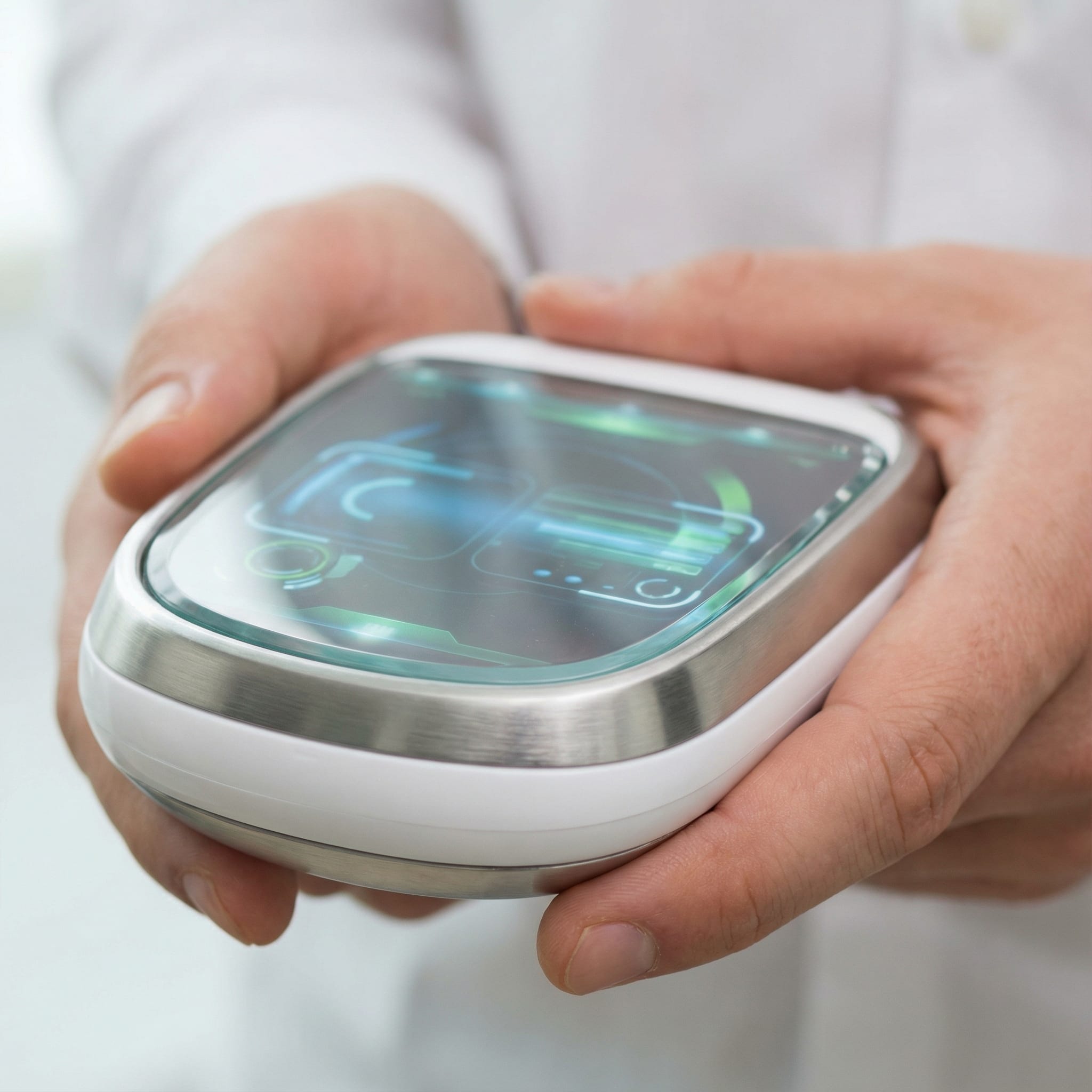
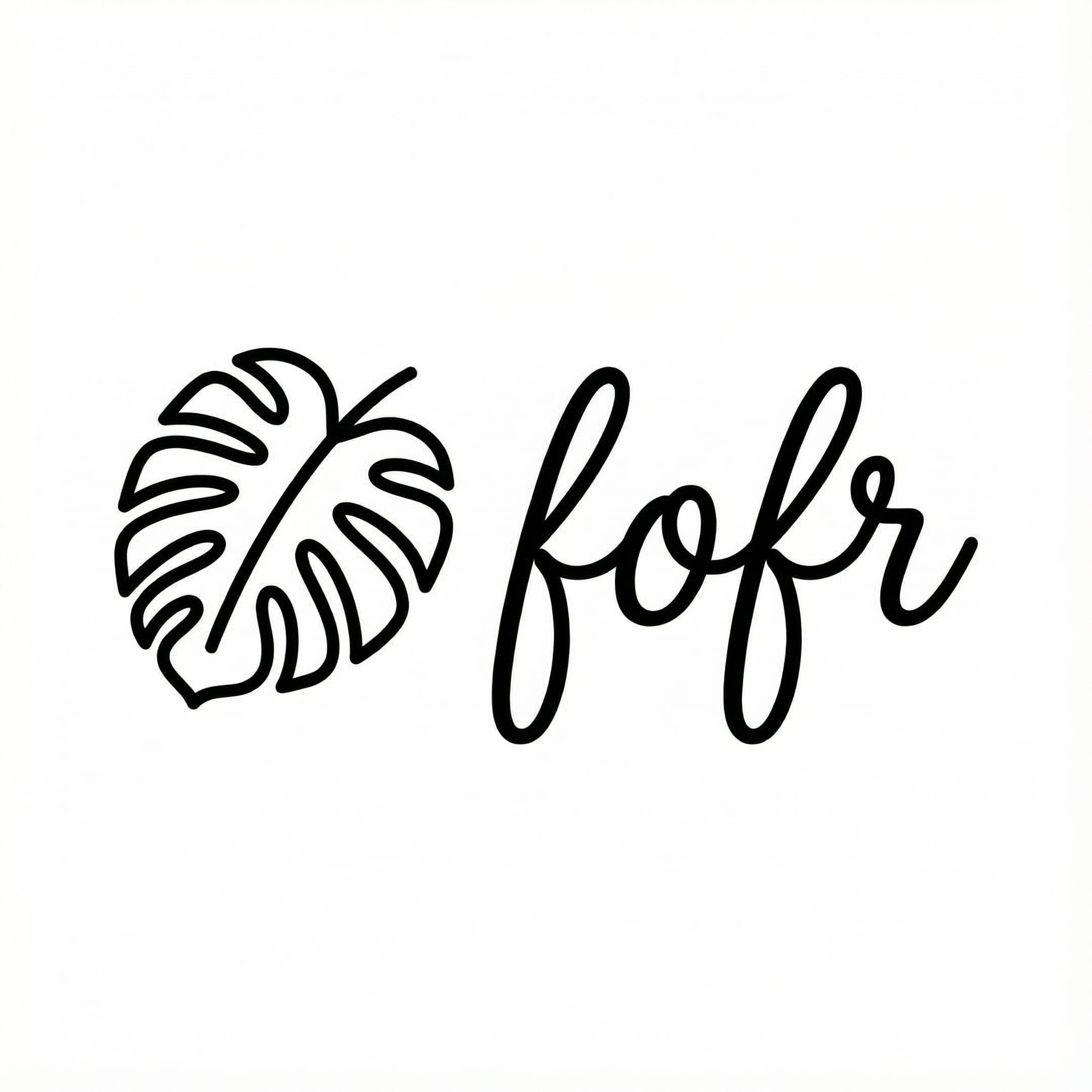
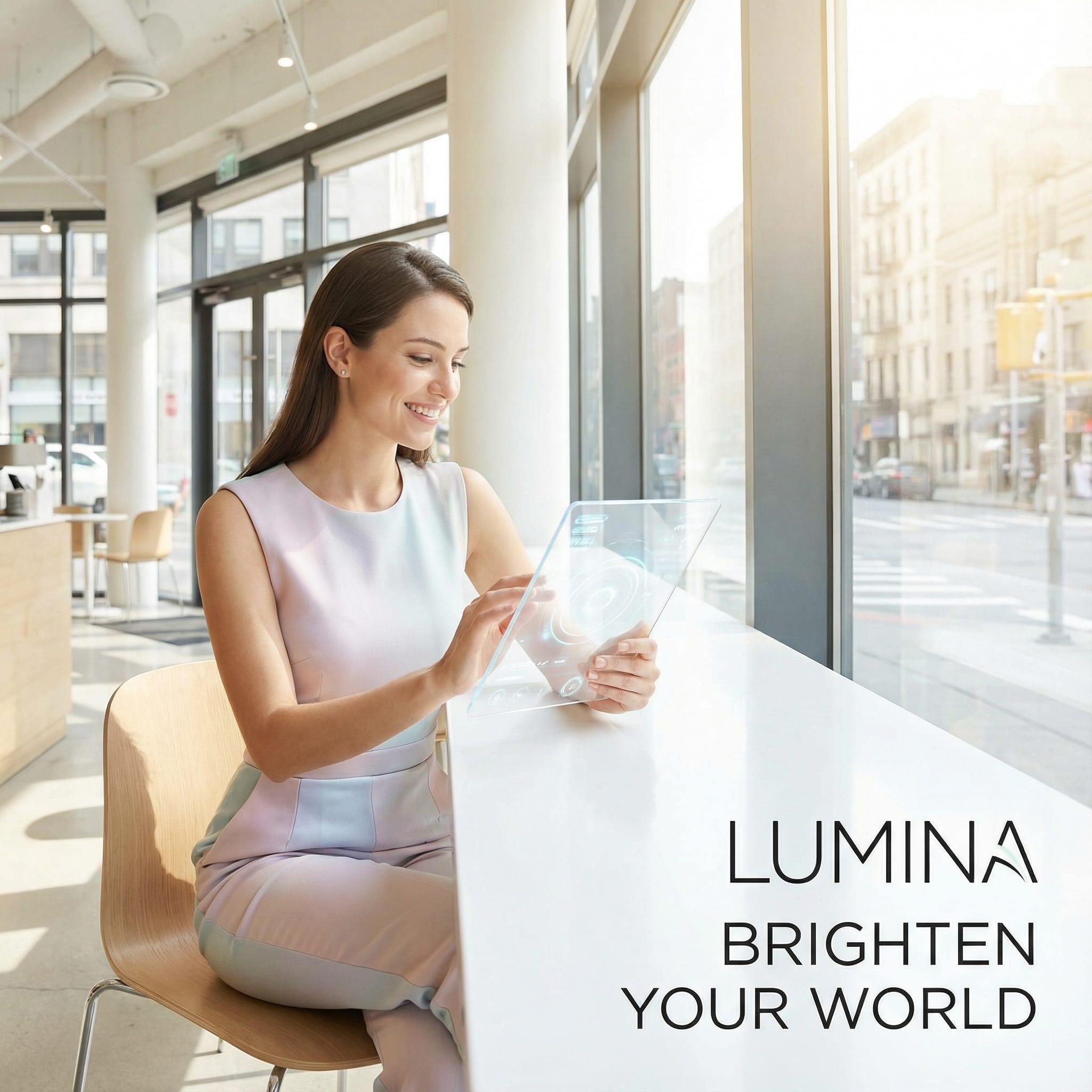
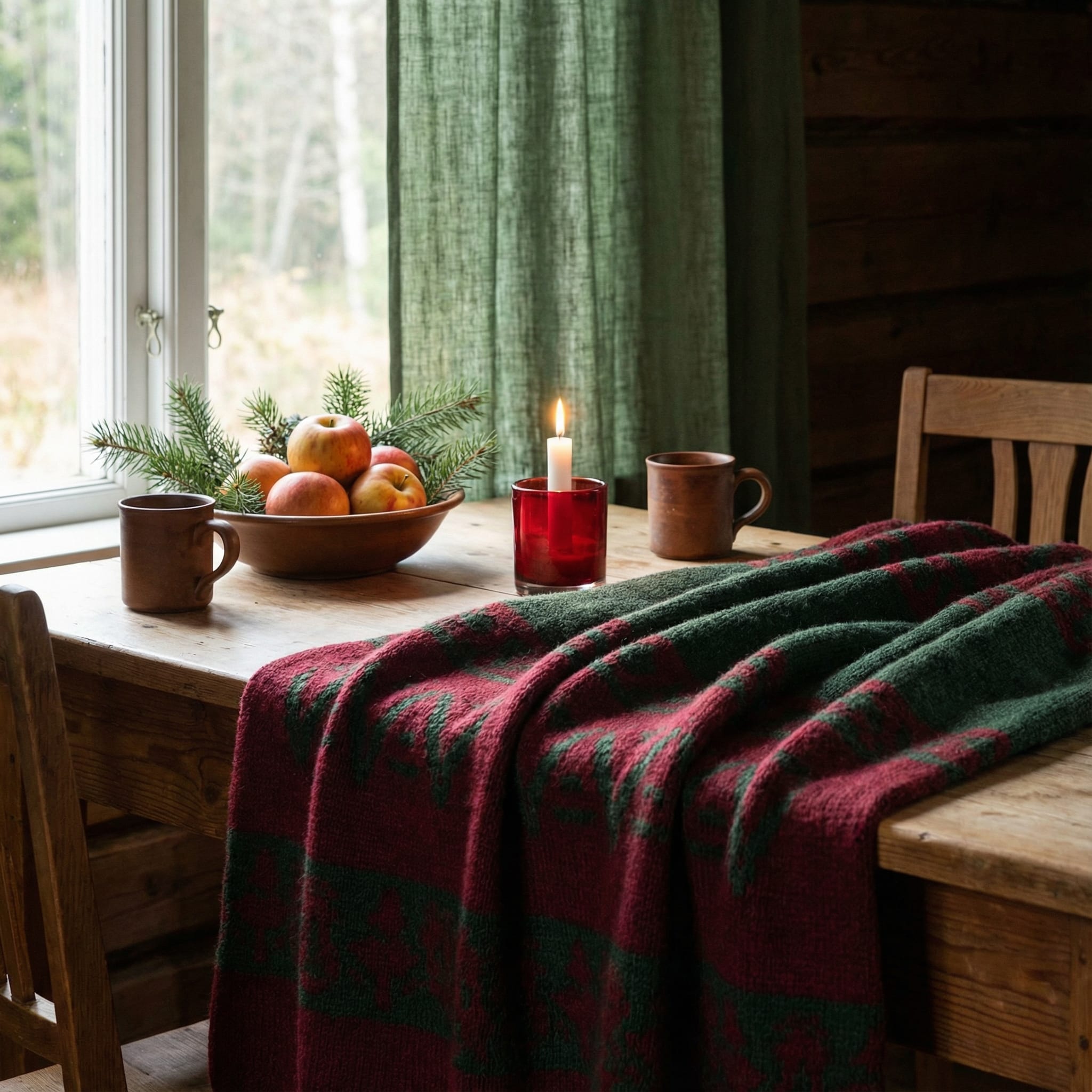

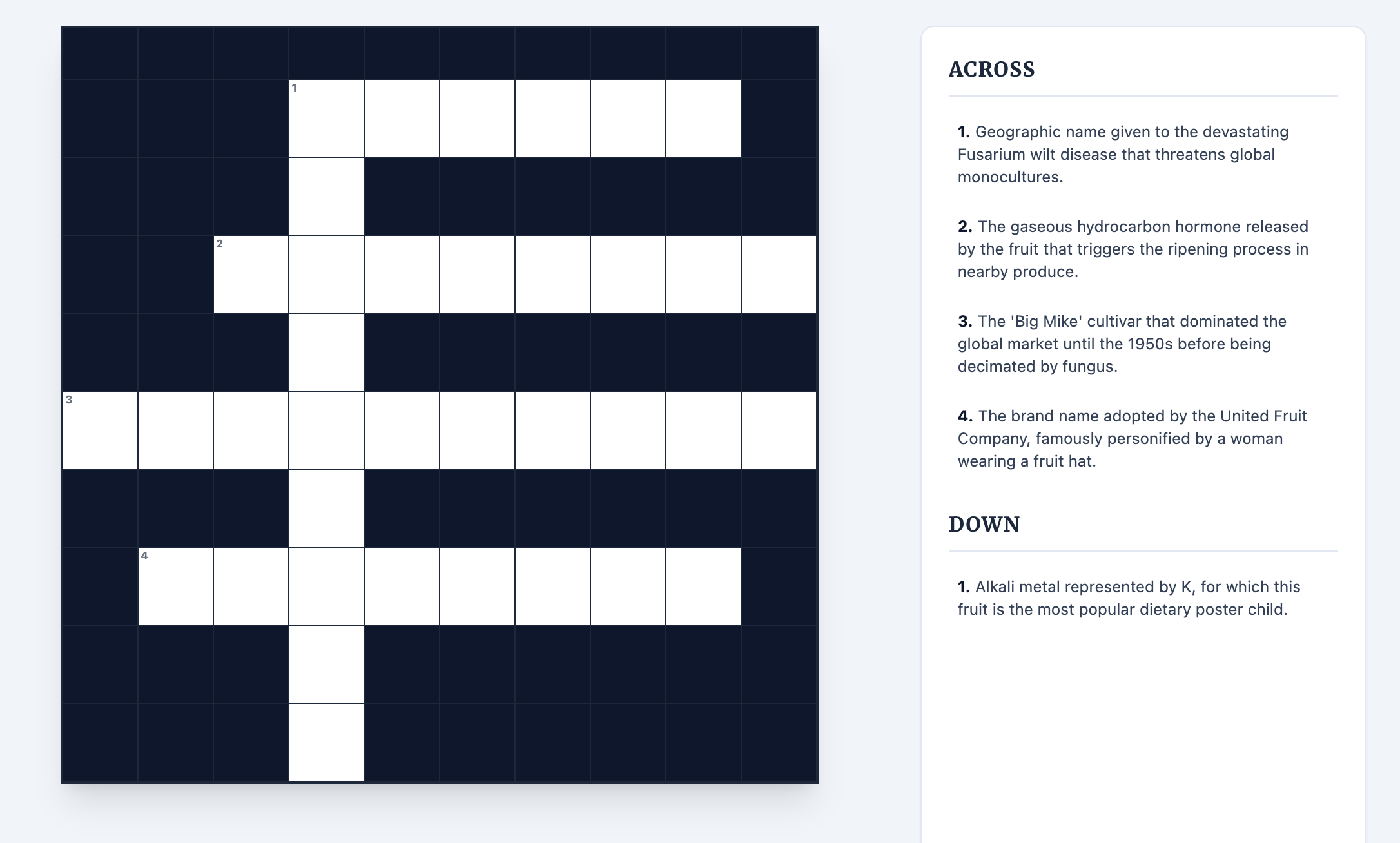
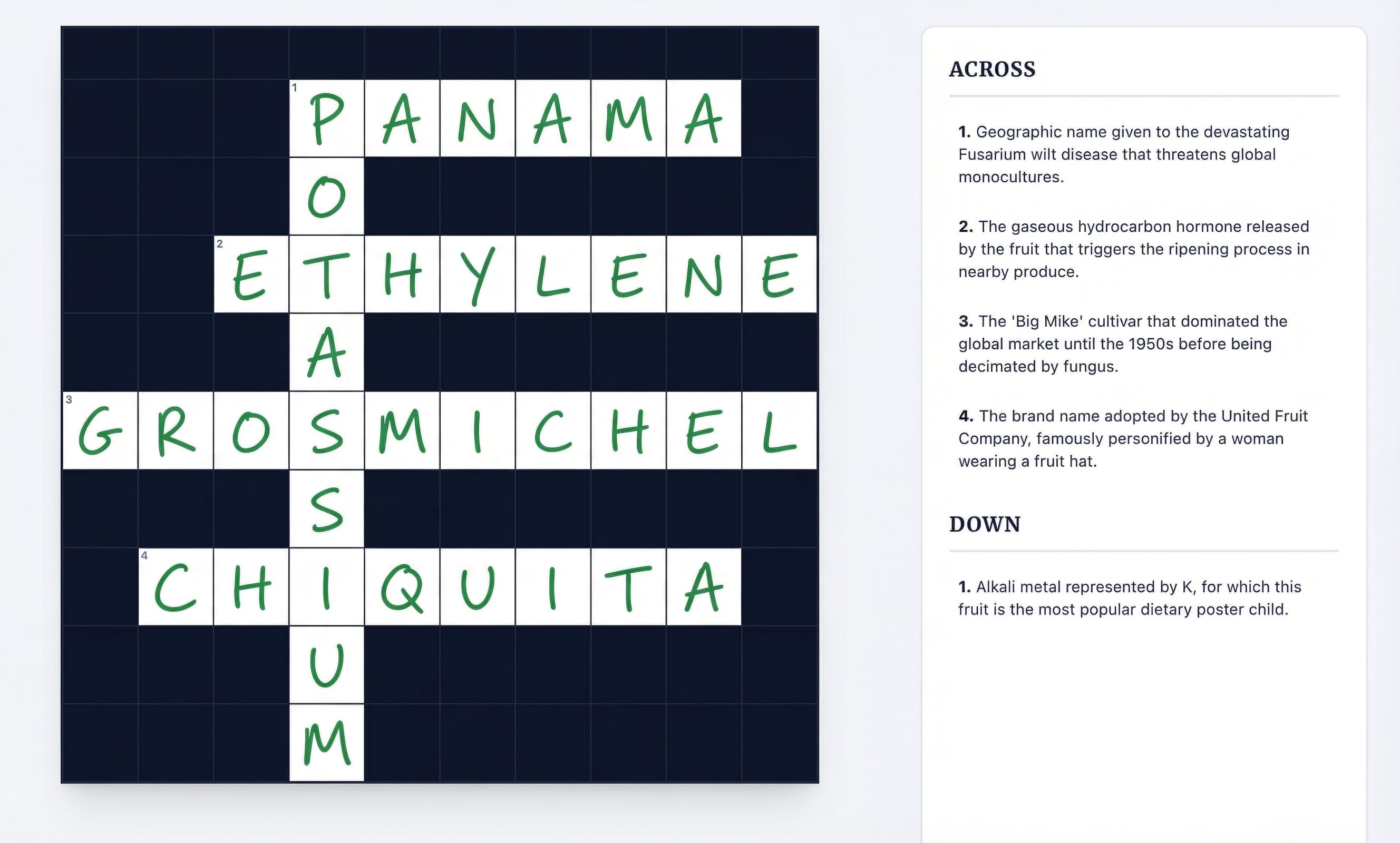
Nano Banana Pro can do more though. It's a language model with strong multimodal understanding and visual reasoning.
You can give the model a visual challenge, like a crossword, and it'll attempt to solve it.
You can ask the model to interpret an image and ask things like; what will happen next? Can you explain this to me with an infographic? Can you overlay some information on this image?, and so on.
Using Google search
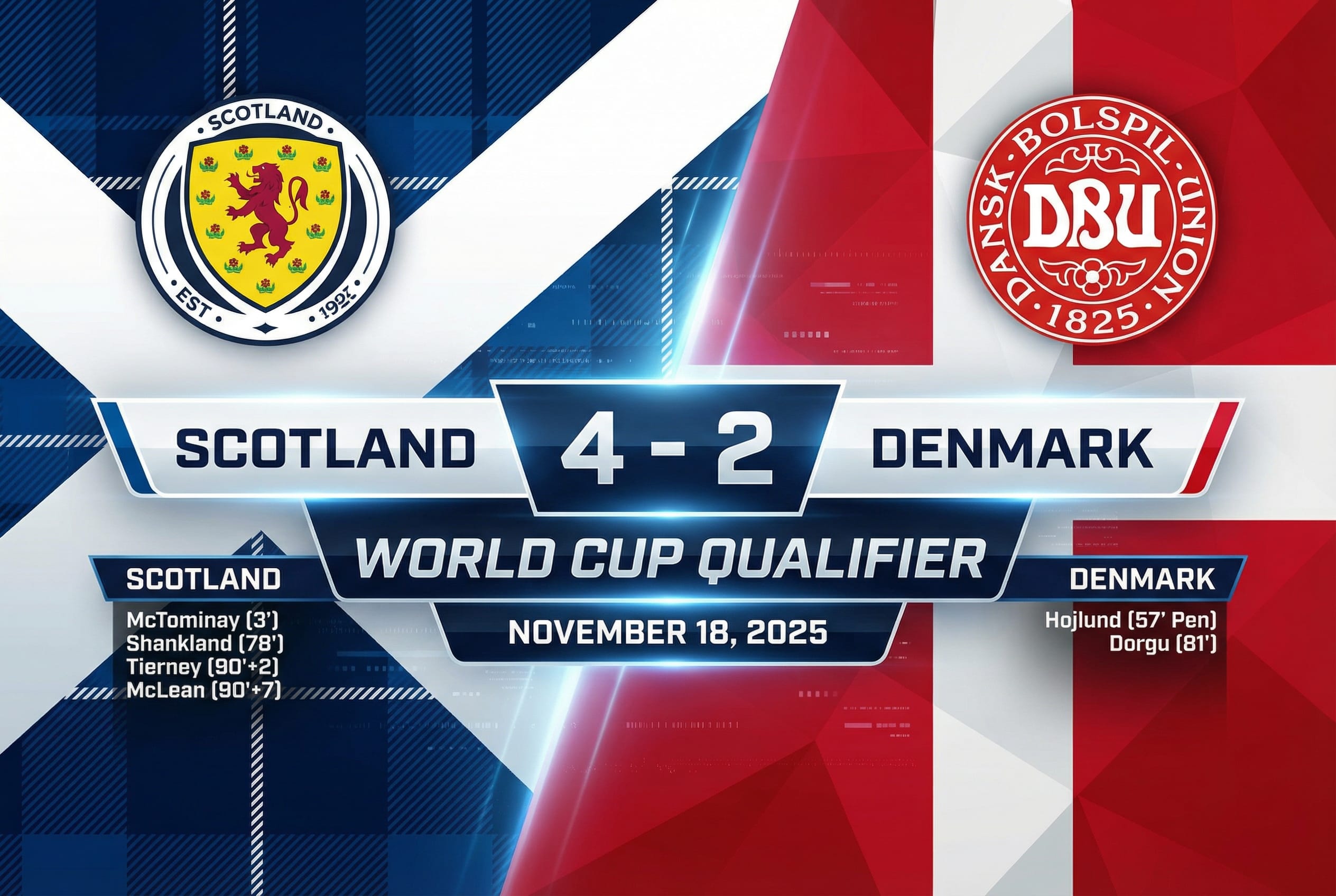
When enabled, Nano Banana Pro can use Google Search to find text information from the internet. This can be helpful if you need images relating to current events, real-time information, or specific details that the model might not know.
Search grounding doesn't provide any visual context to the model.
If you want to use Google Search, make sure you've enabled the search tool use (whether in the API, AI Studio or otherwise). It's also a good idea to ask the model to explicitly search for something, so it knows to use the tool it has available.
You should usually check the model's thought chain to find a list of websites the model found and referenced in its searches.
Summary
Nano Banana Pro is a powerful and versatile tool that responds well to both simple and complex prompts. Whether you're generating consistent characters, designing branded content, solving visual puzzles, or restoring old photos, the model offers a wide range of capabilities.
To get the best results:
- Experiment freely: Start simple and iterate.
- Be specific: Use detailed prompts and JSON structure when you need precise control.
- Use reference images: Use them for character consistency, style transfer, and object placement.
- Use tools: Enable Google Search for current events and use the model's native upscaling abilities.
Ready to Create Viral Content?
Get access to 1000+ premium prompts, proven use cases, and advanced strategies to leverage the true power of Nano Banana Pro.
Get Full Access Now